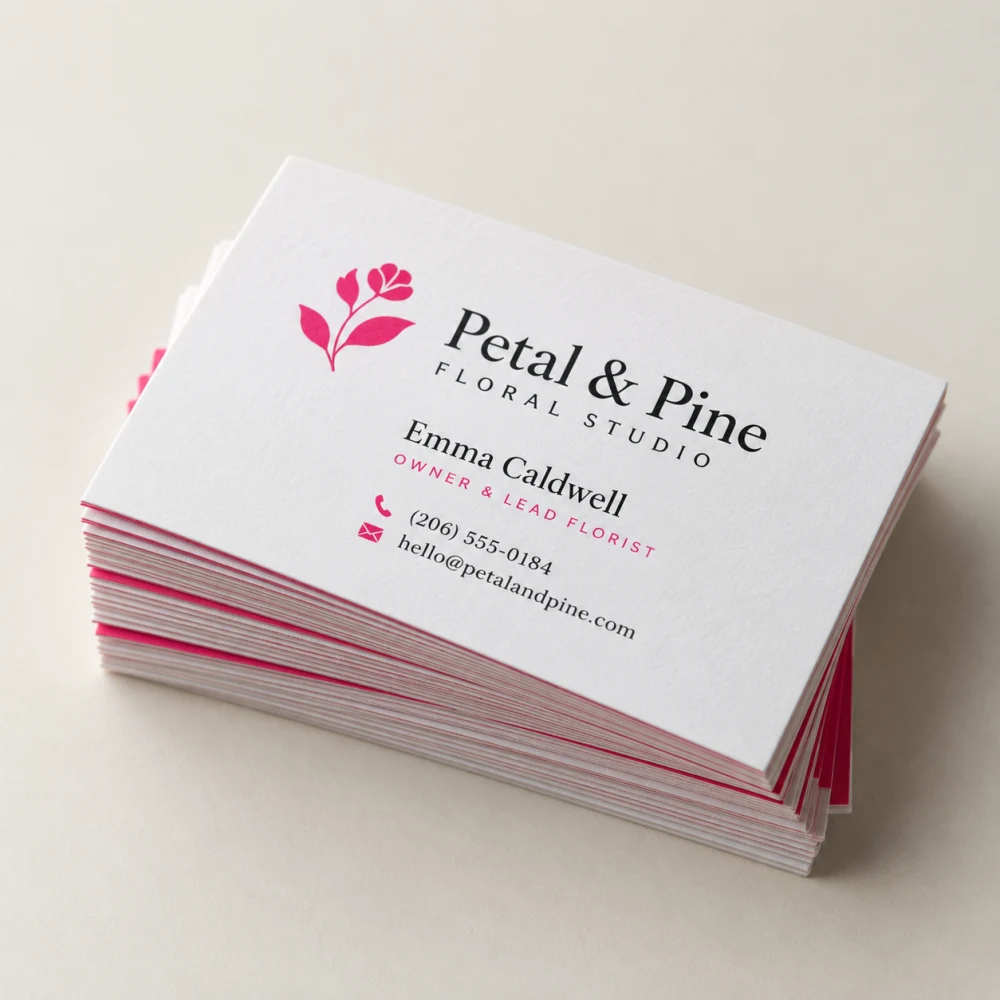
 Standard Business Cards
✎
Free templates
Blank files at the exact print size — bleed, cut line and safe area already marked. Pick a size below and the PDF downloads.
How to use one+
- Download the PDF — it opens in Illustrator, Acrobat, Canva, Affinity and Photoshop. (An SVG is offered too when you order, for Inkscape and Figma.)
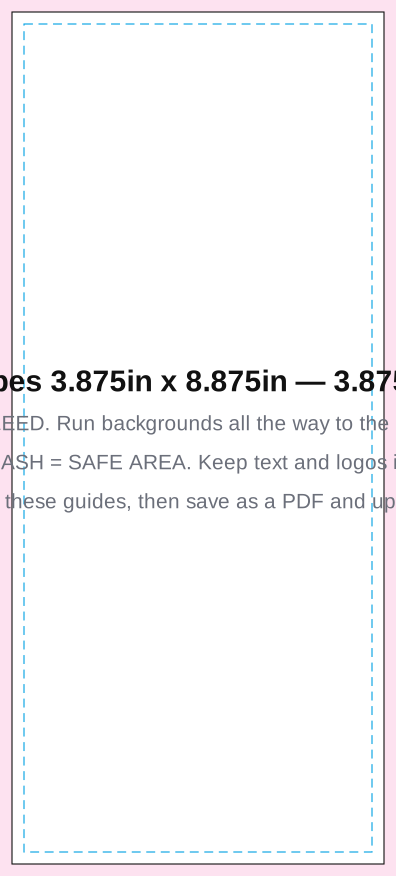
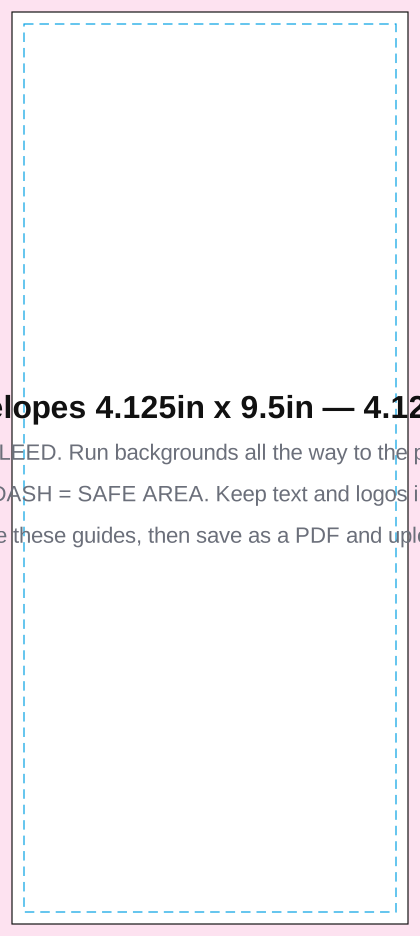
- Put your design under the guides. Push backgrounds out to the pink edge — that part gets trimmed off.
- Keep text and logos inside the dashed blue line.
- Delete the guide layer, save as a PDF, and upload it when you order.
Not sure? Start your order and we check the file for you before anything is printed — free.
Business Essentials 17
Standard Business Cards
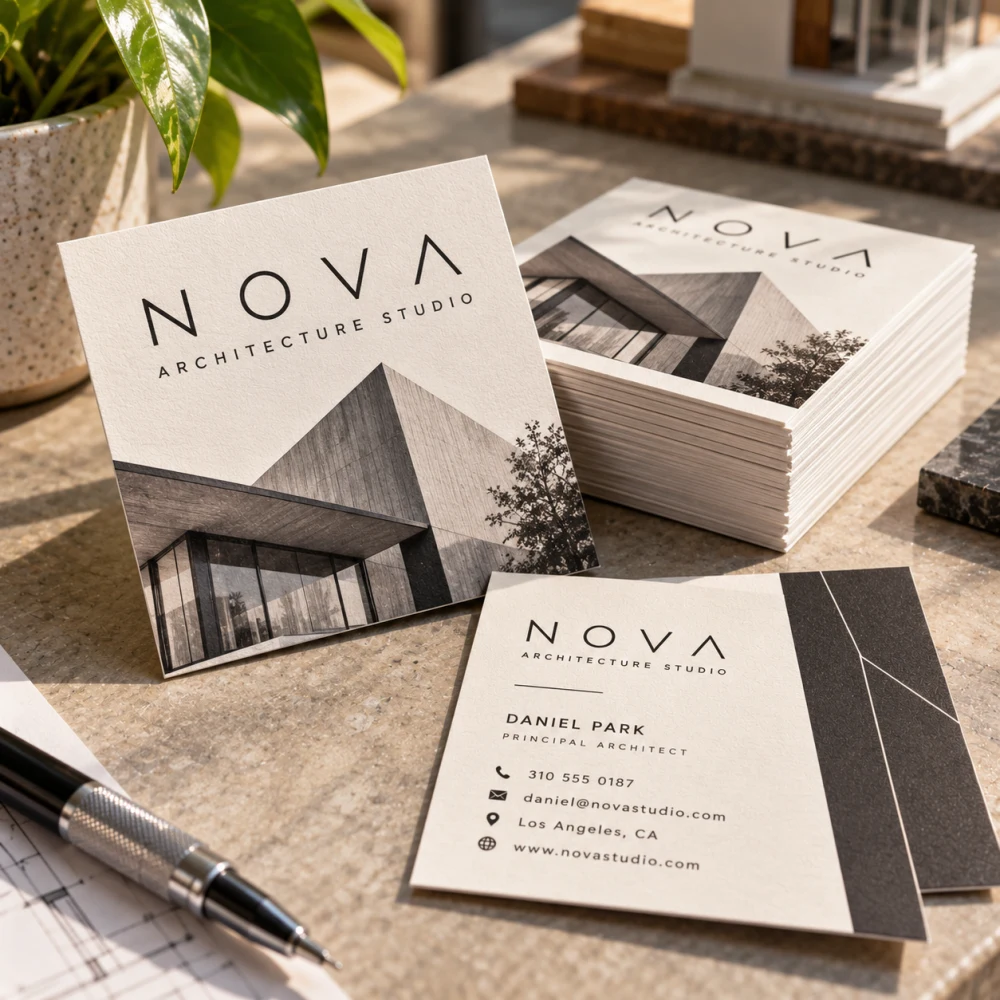 Square Business Cards
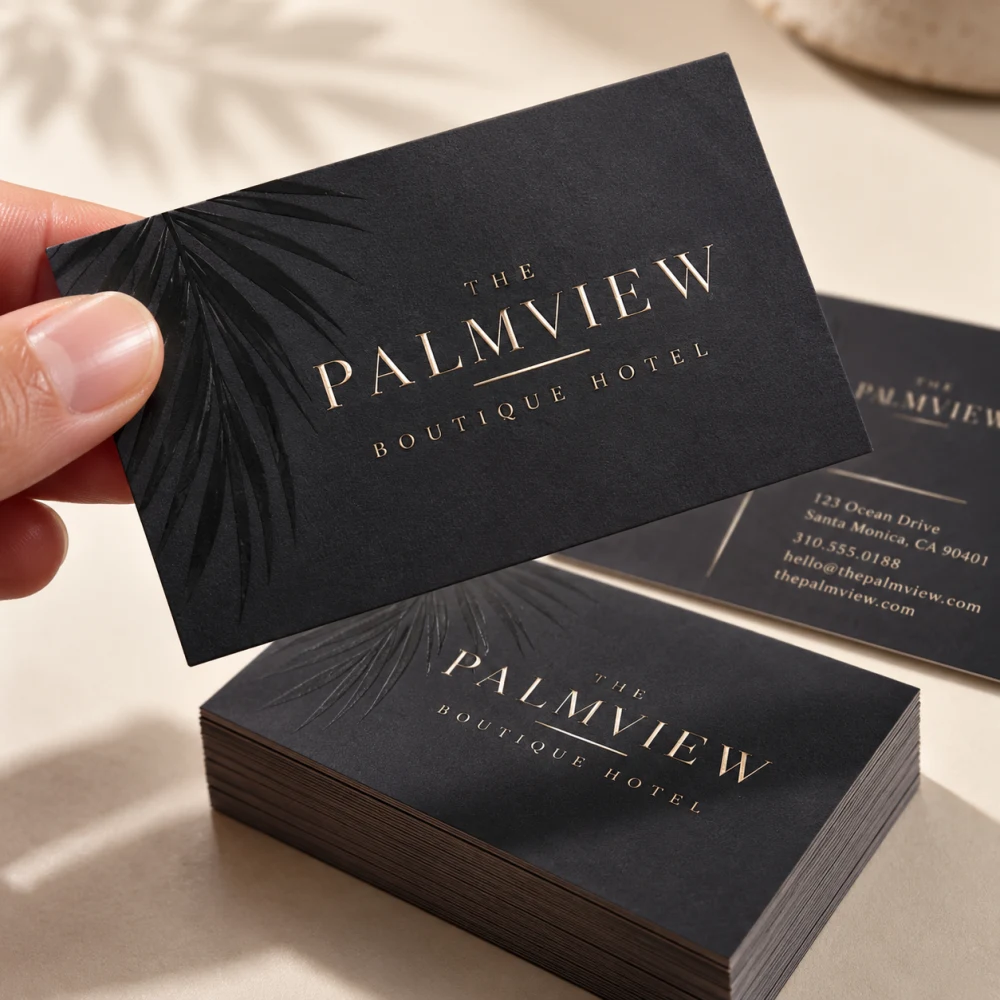 Soft Touch Business Cards
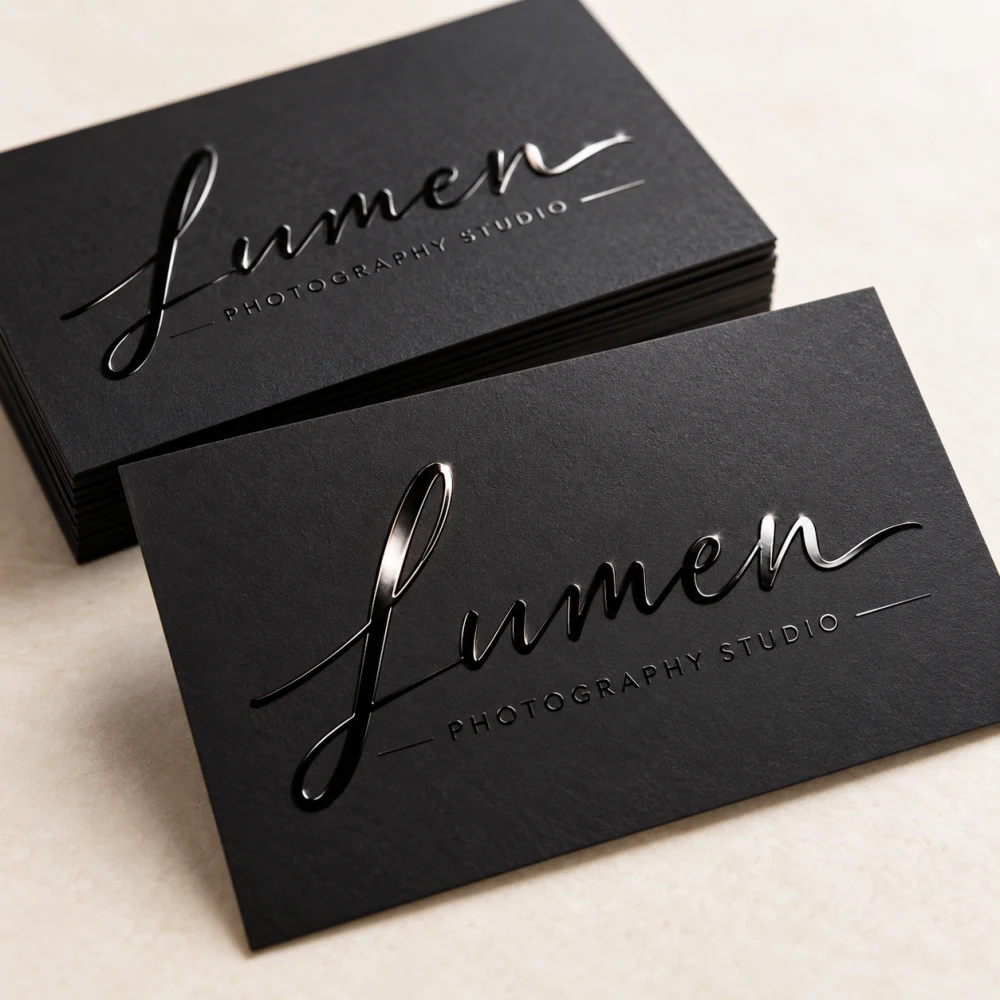 Spot UV Business Cards
 Plastic Cards
 Invitations
 Notepads
 Note Cards
 Pocket Folders Next Day Only
 #9 Envelopes 3.875in x 8.875in
 Pocket Folders
 Letterhead
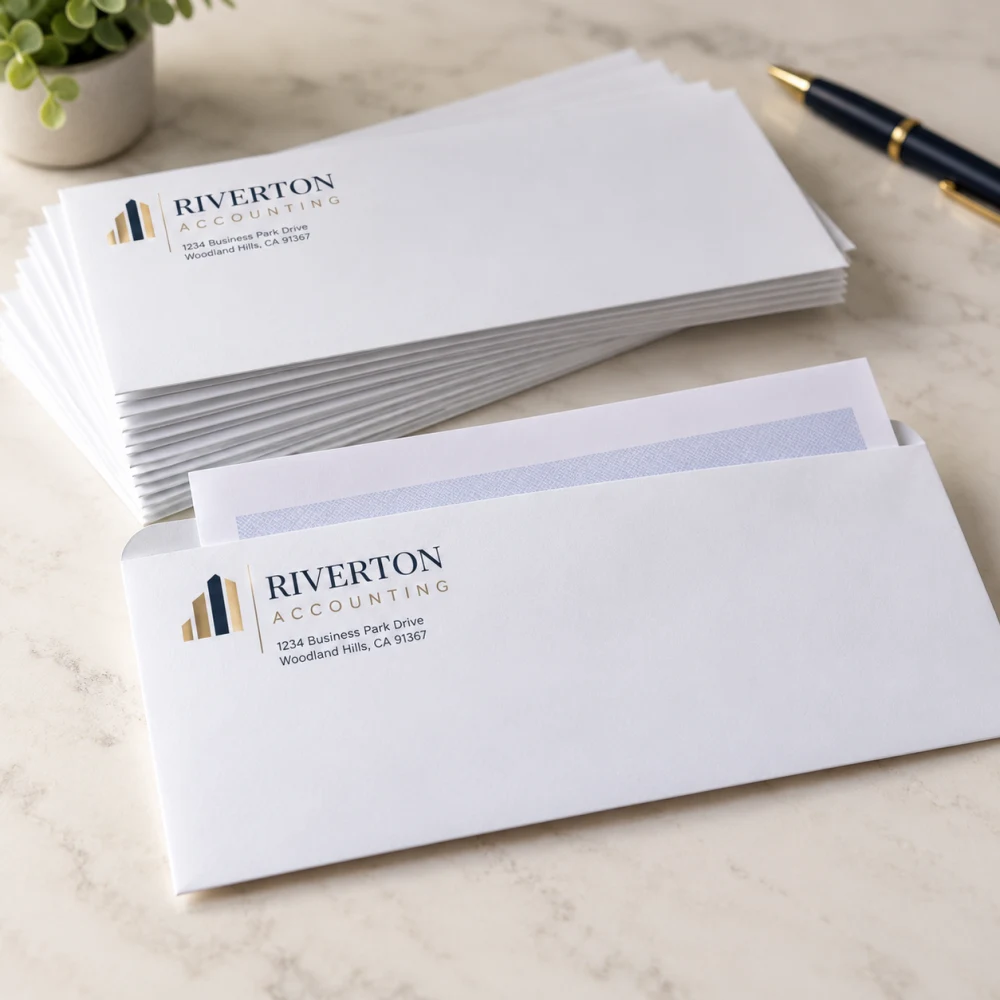 #10 Envelopes 4.125in x 9.5in
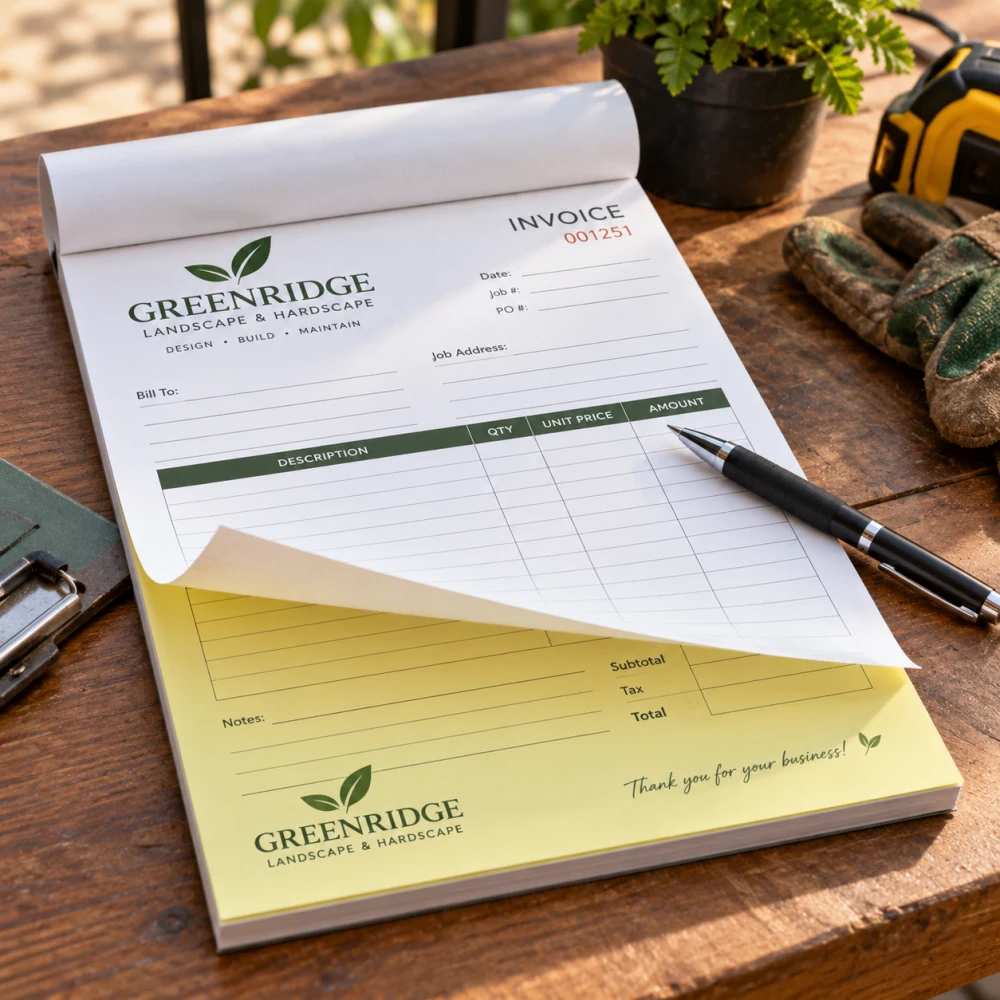 Carbonless Forms
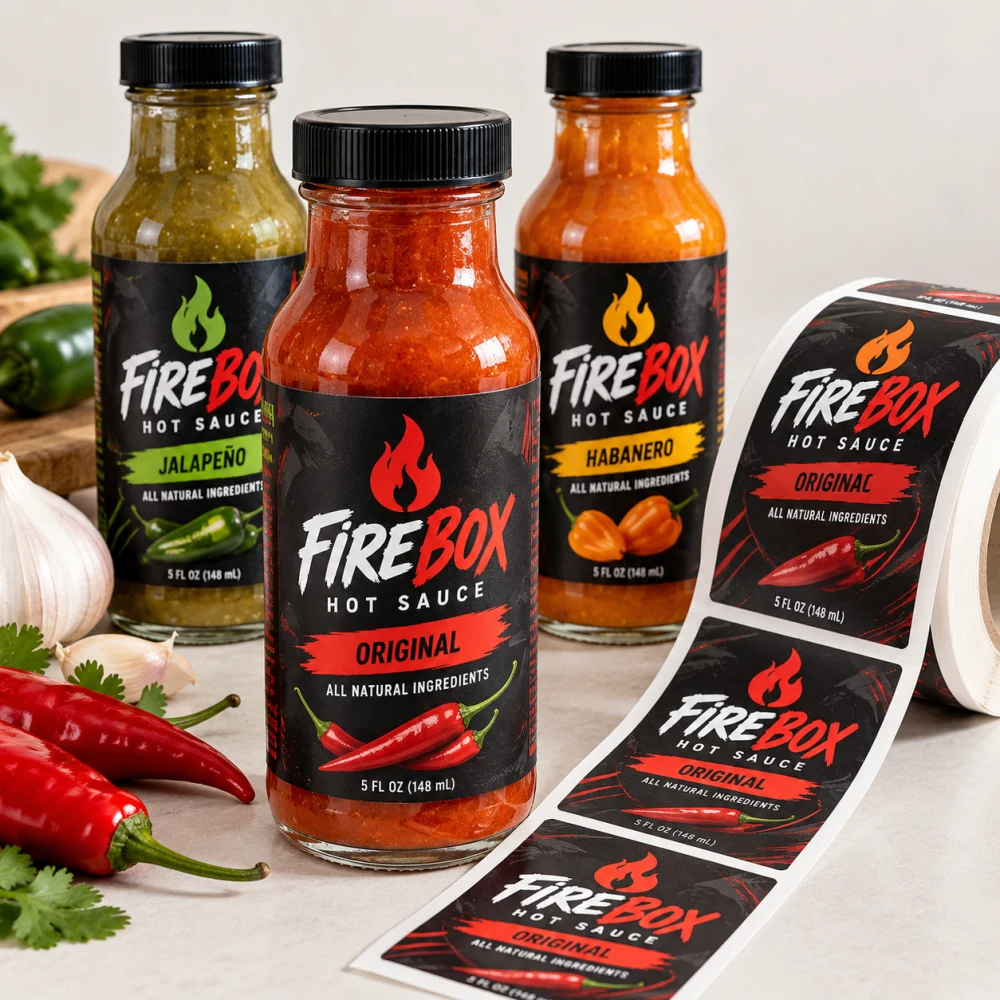 Product Labels
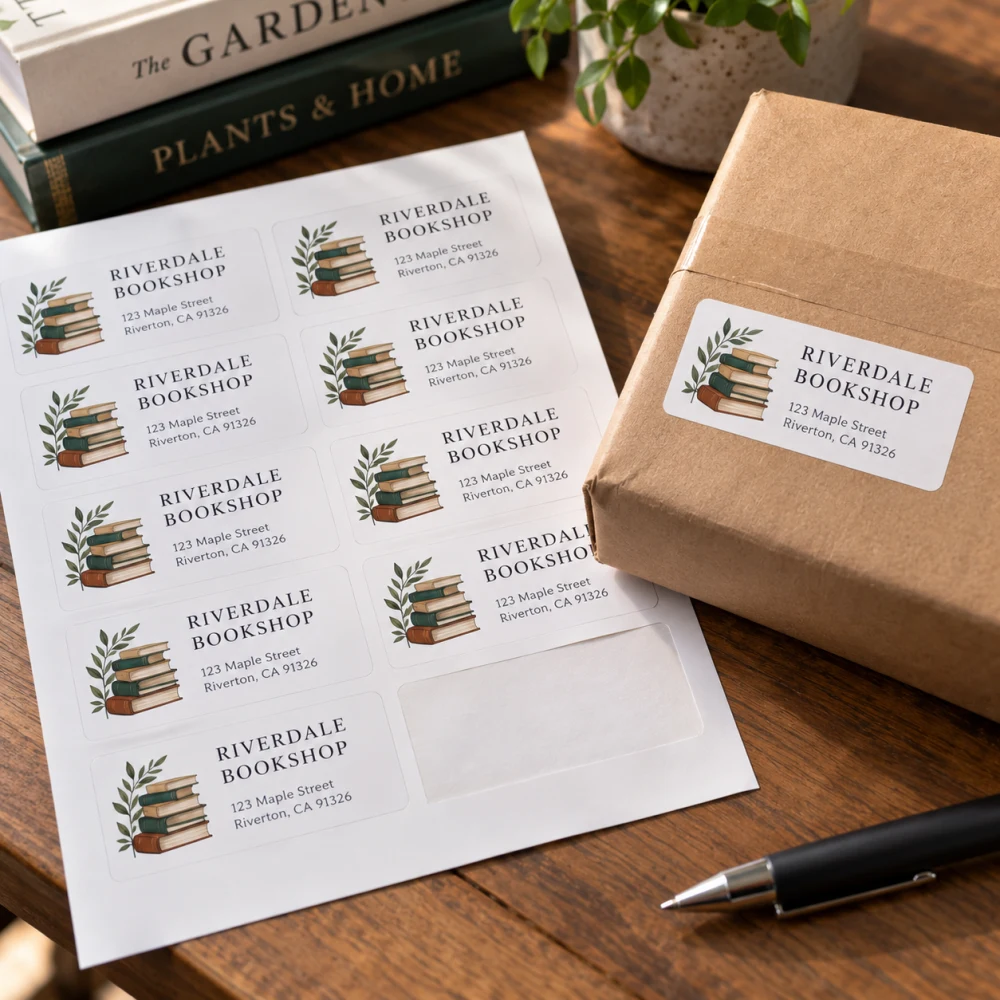 Address Labels
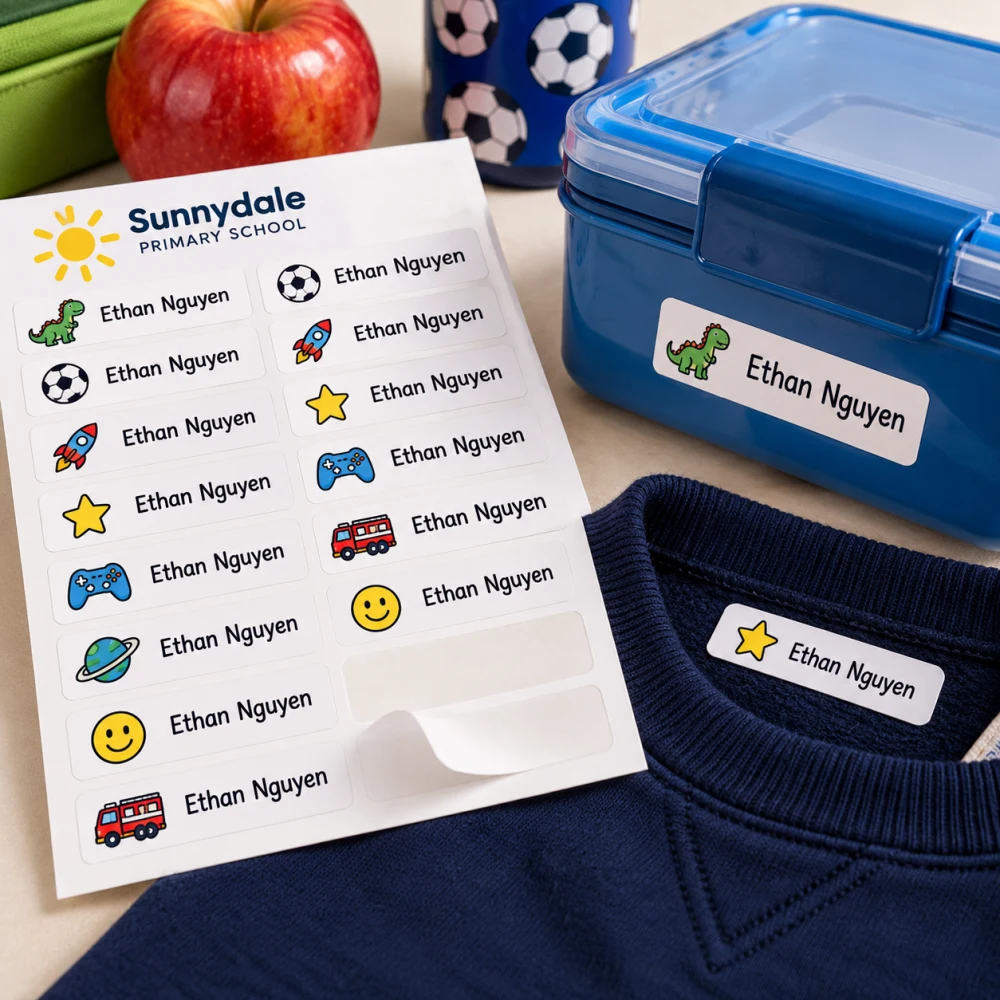 Name Labels
Marketing Essentials 13
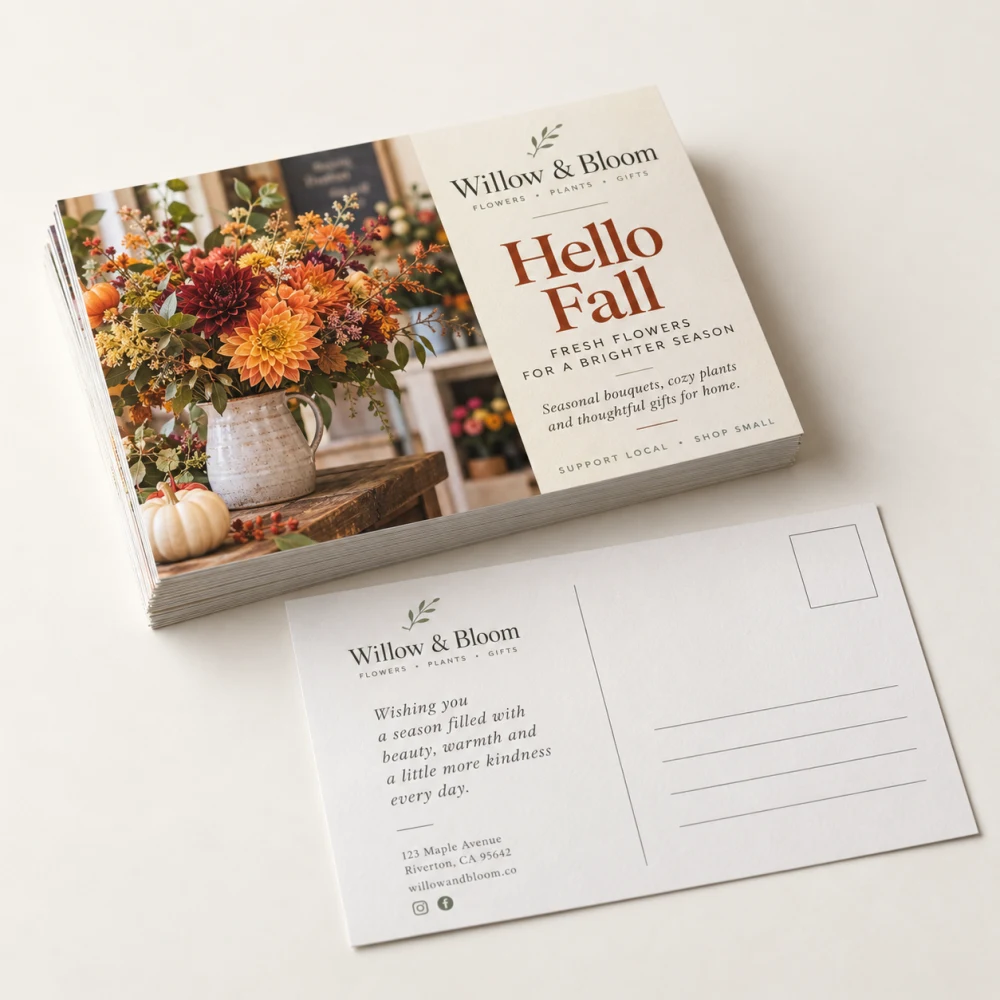 Postcards
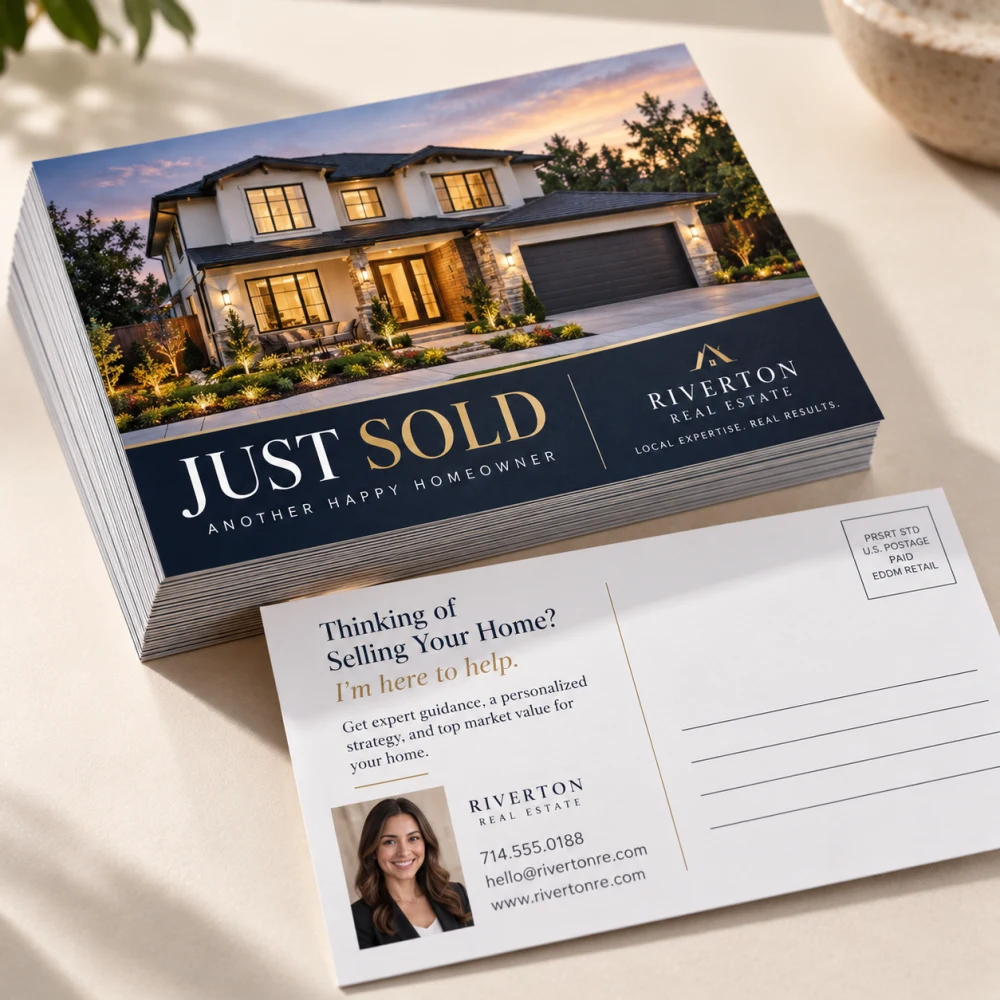 Direct Mail Postcards (Print Only)
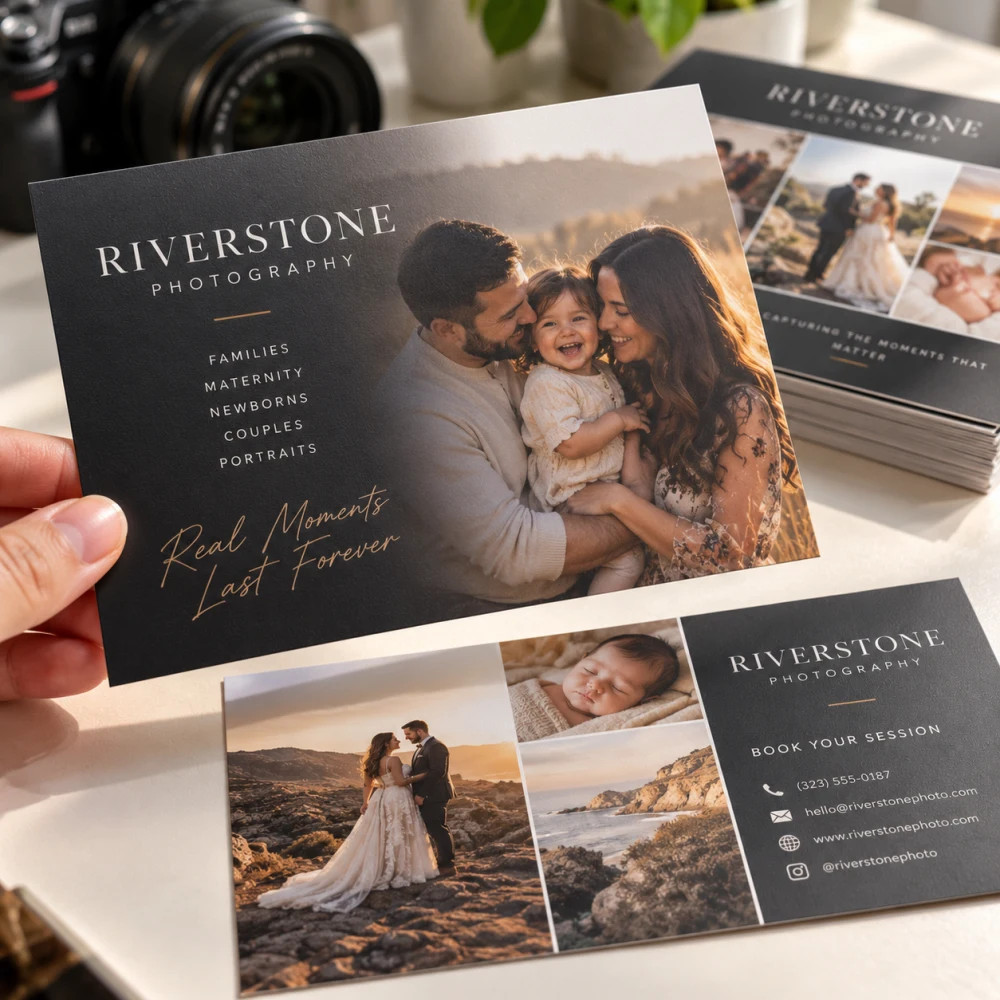 Soft Touch Postcards
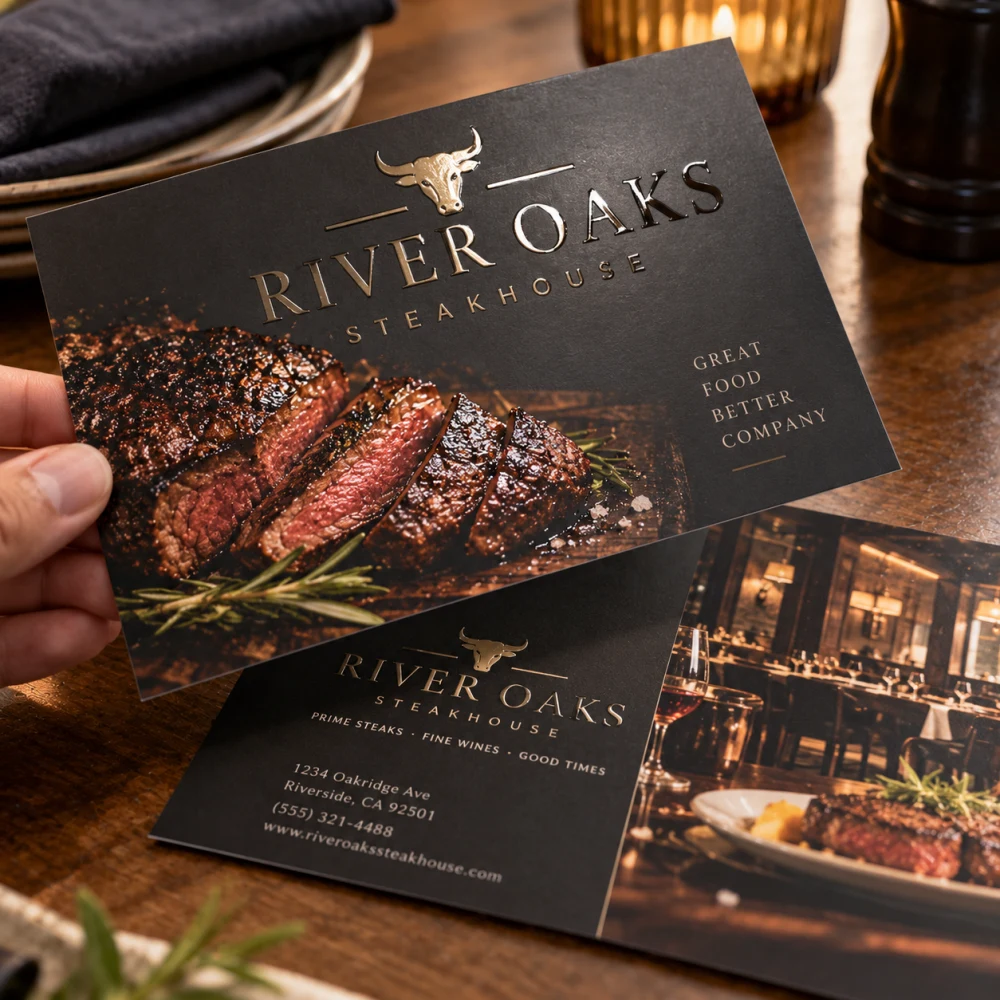 Spot UV Postcards
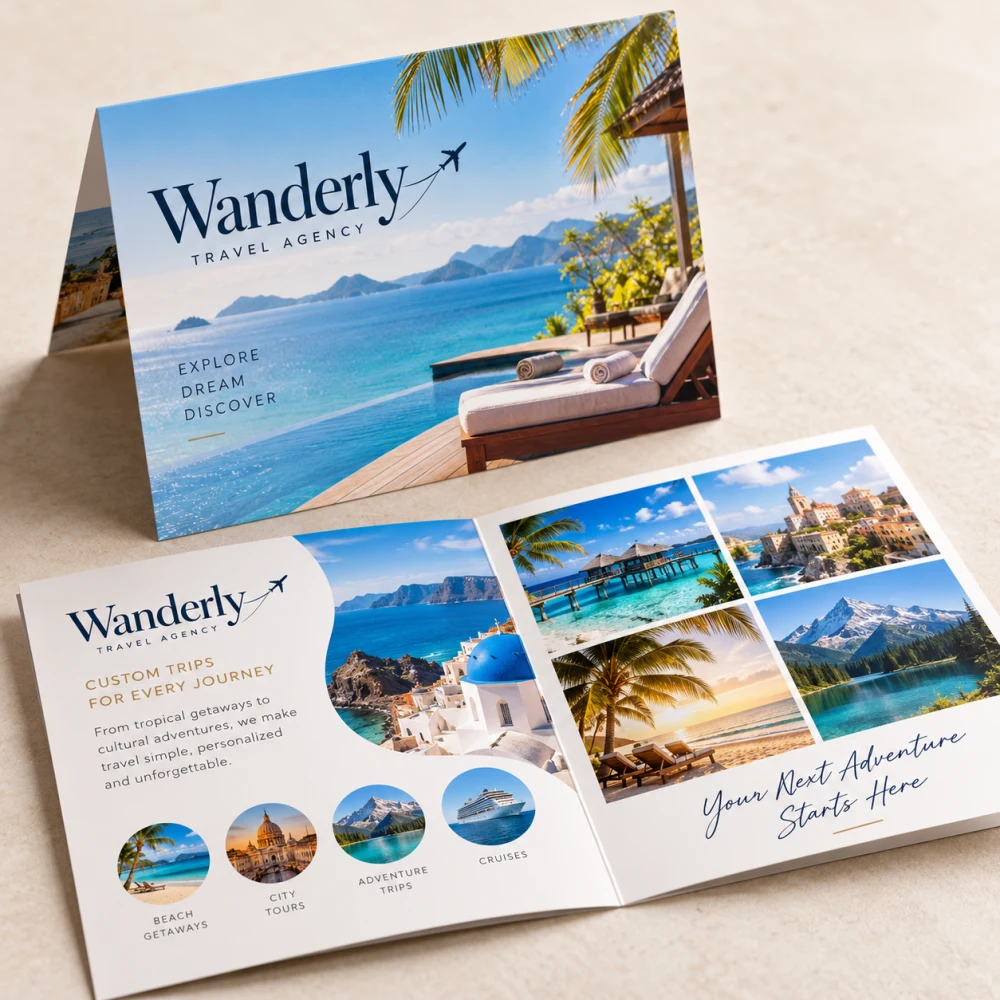 Folded Postcards
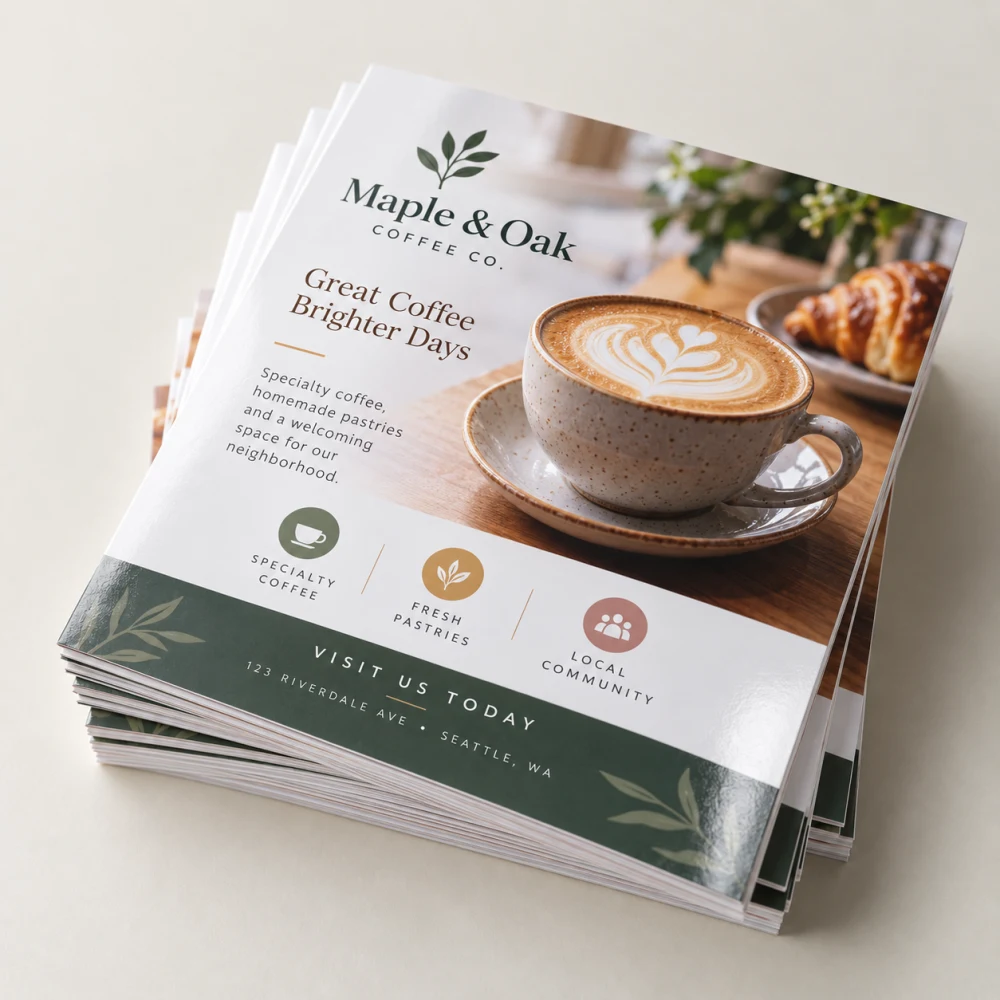 Flyers
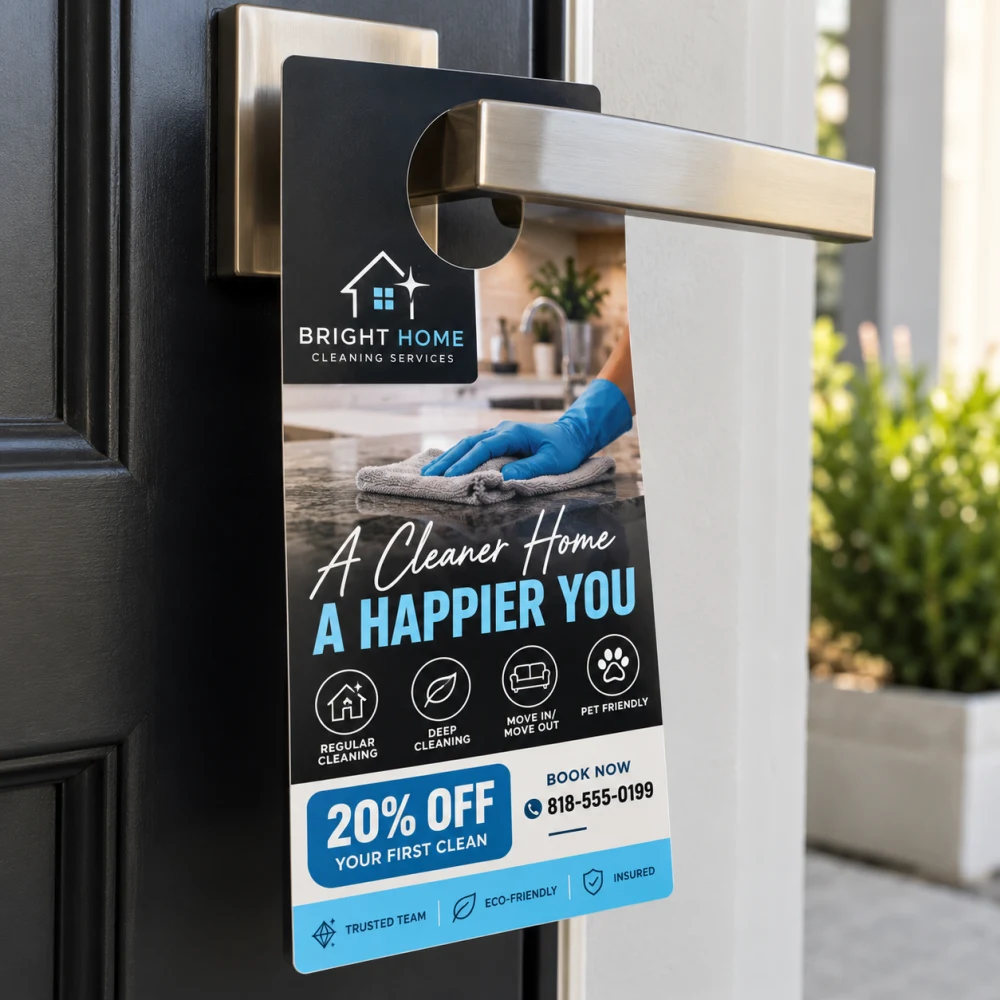 Door Hangers
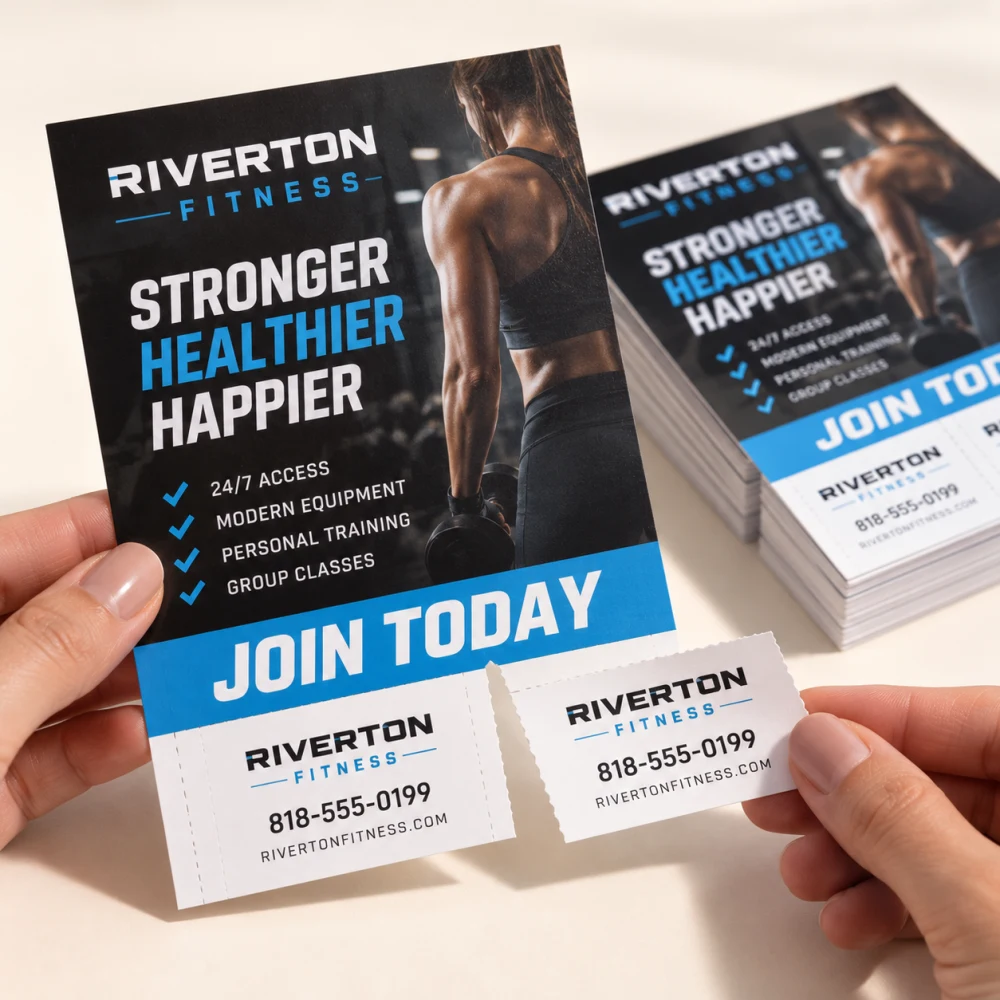 Rip Cards
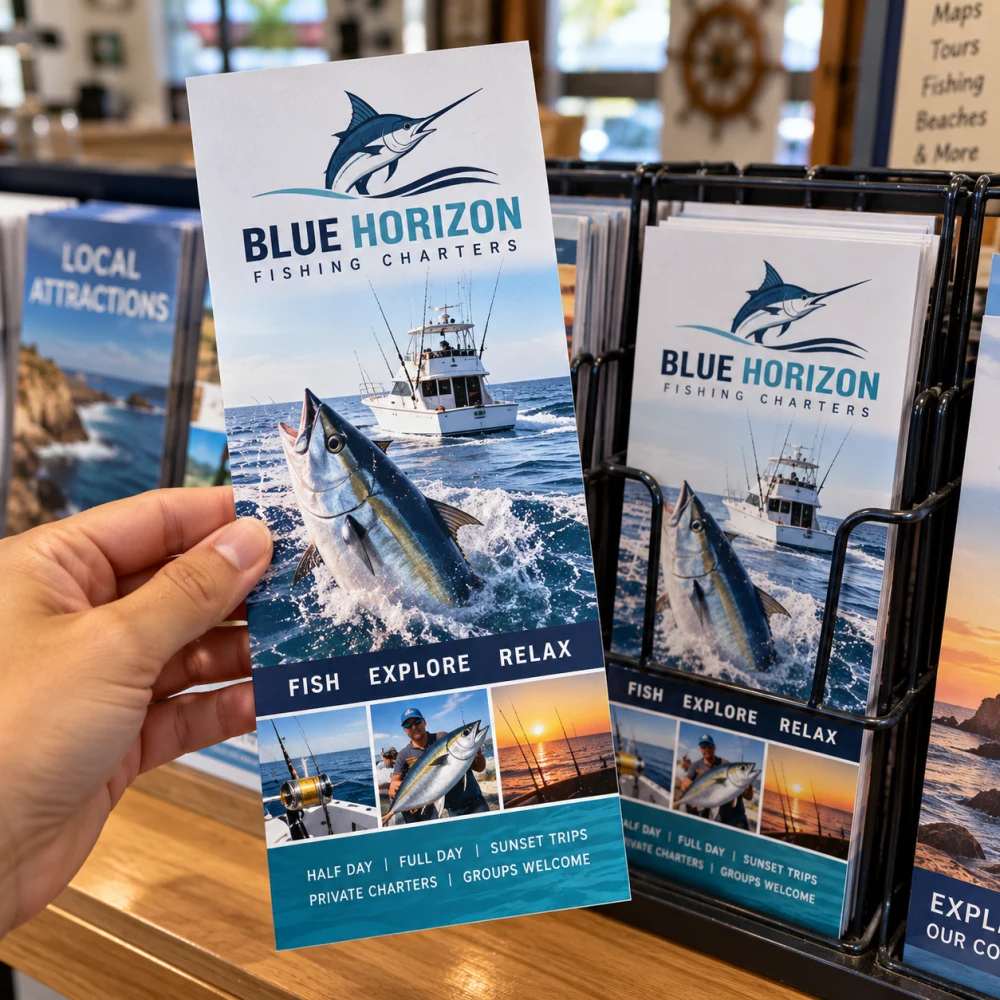 Rackcards
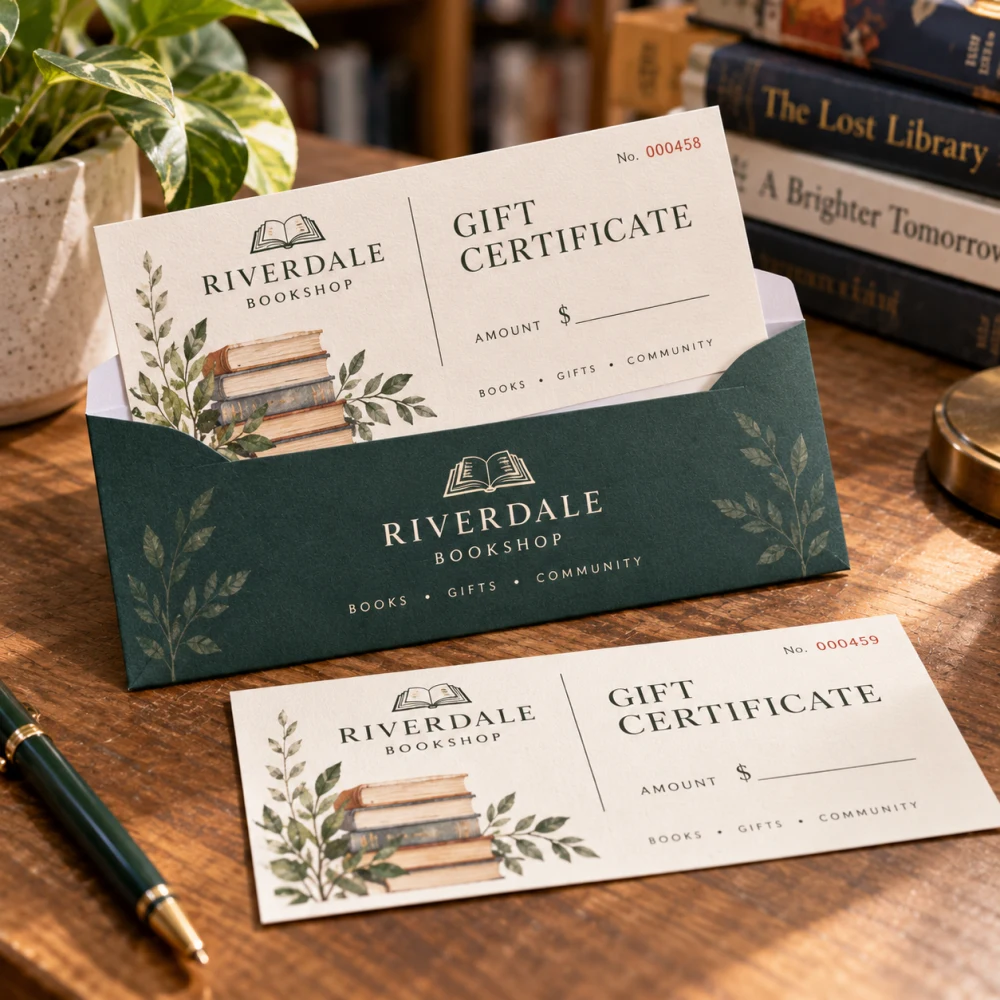 Gift Certificates
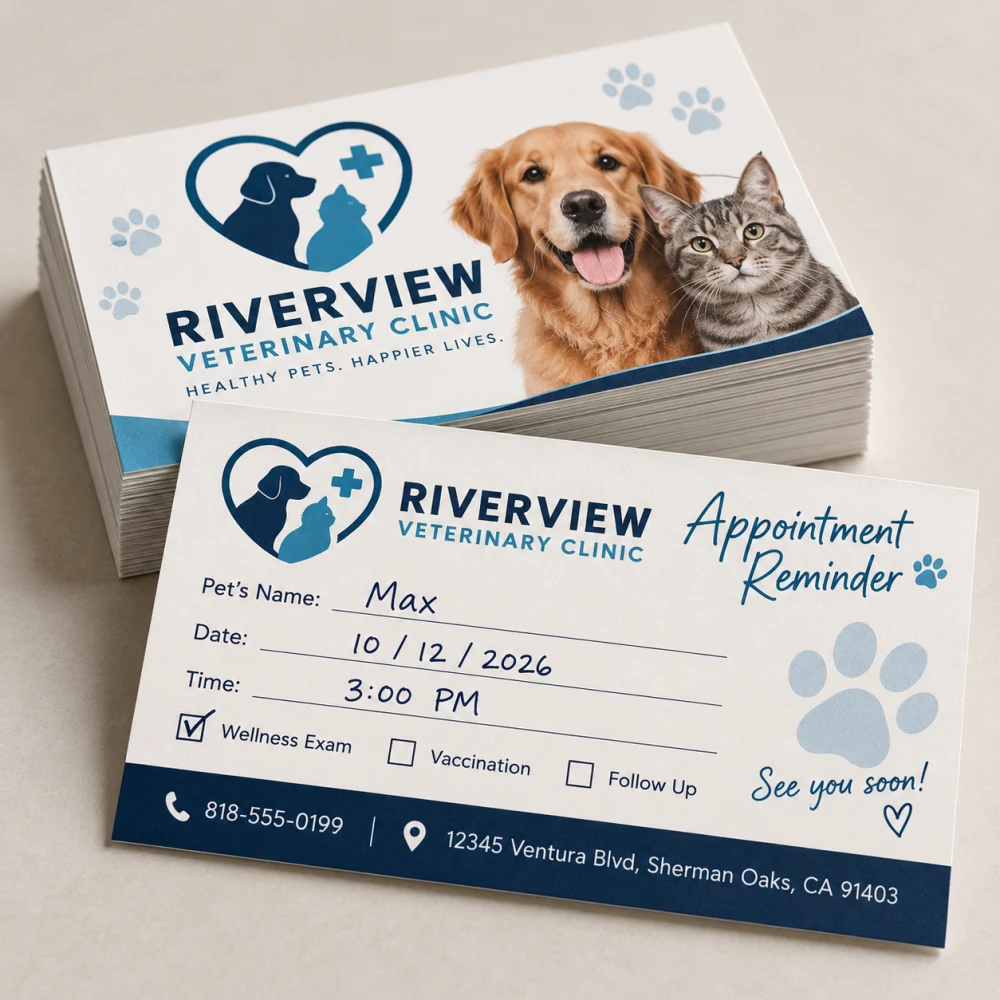 Appointment Card
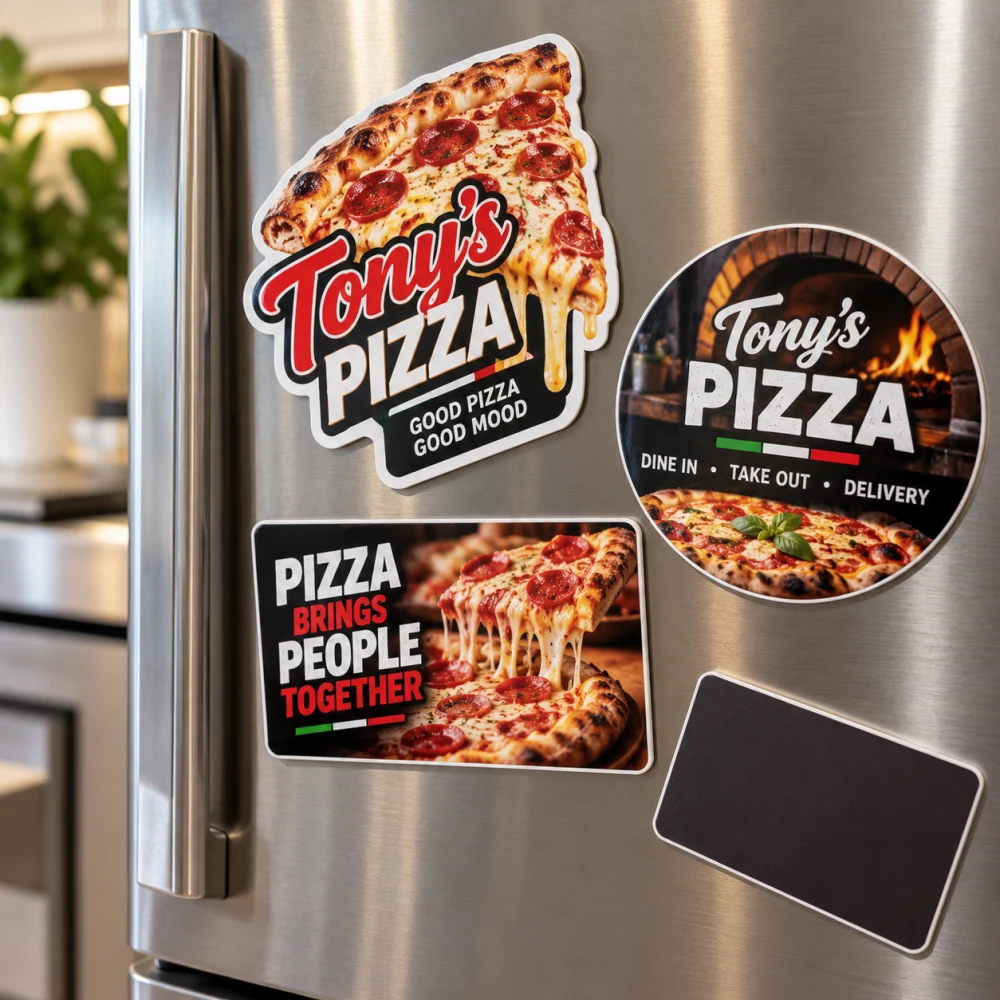 Magnets
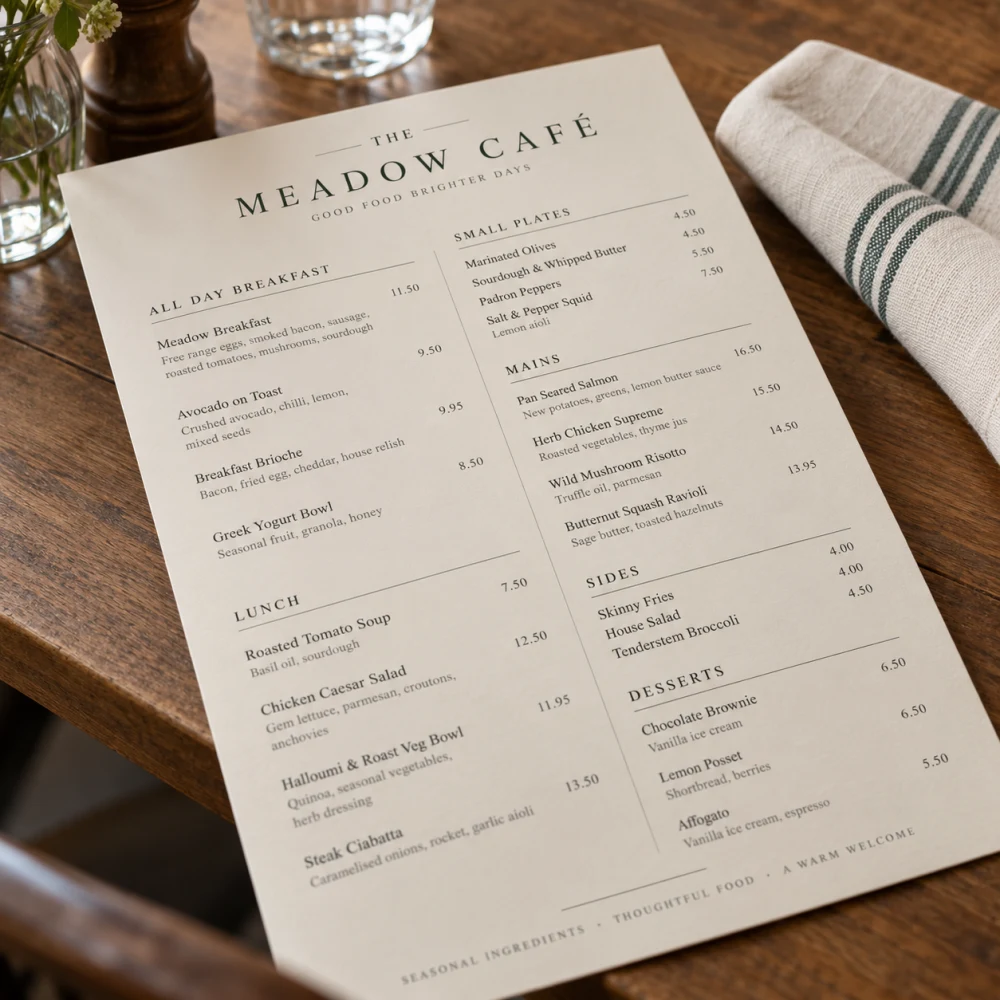 Menus
Menus
Events & Holidays 4
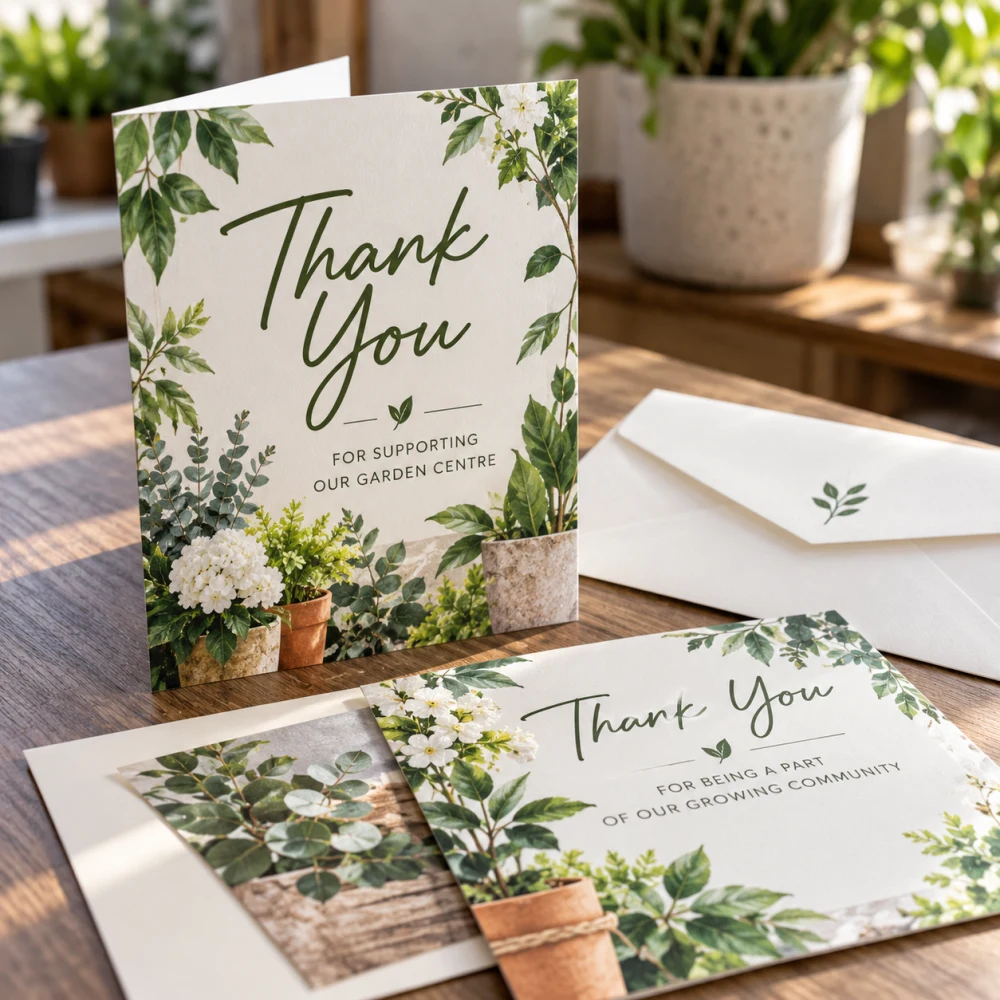 Flat Greeting Card
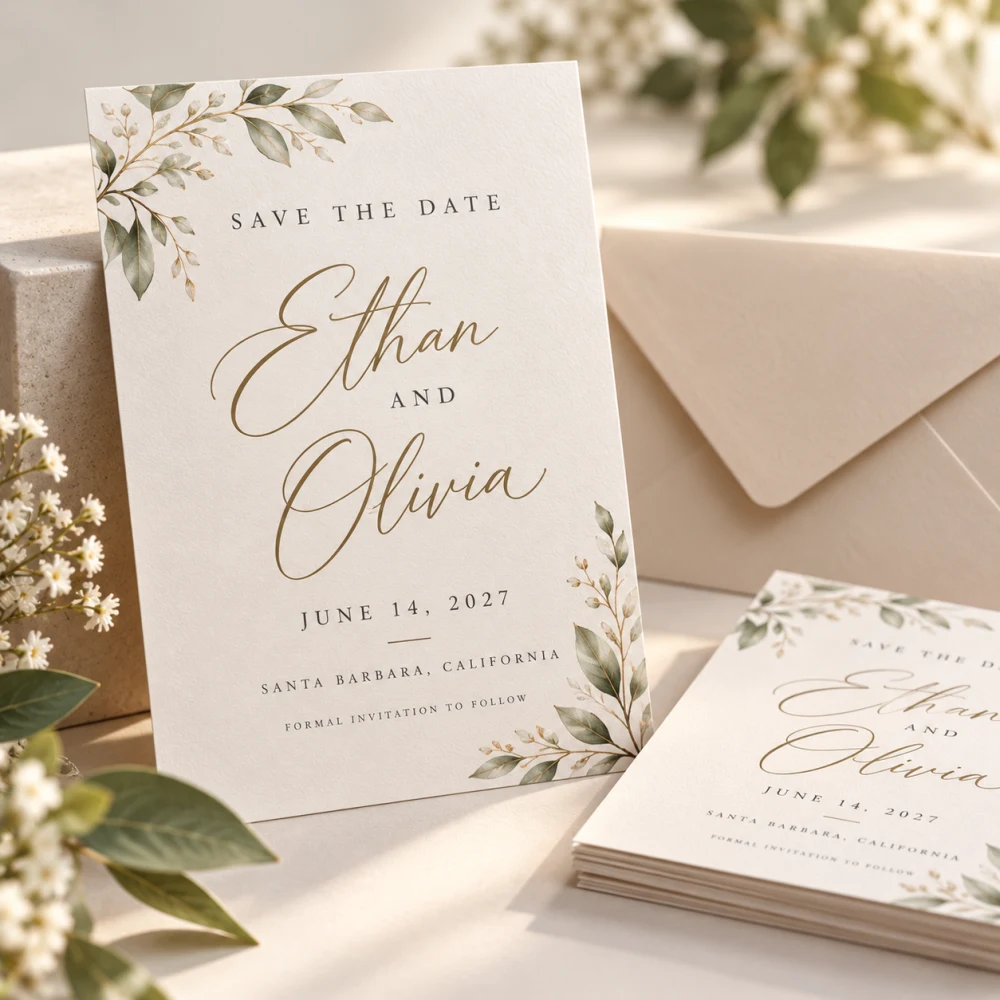 Save the Date Cards
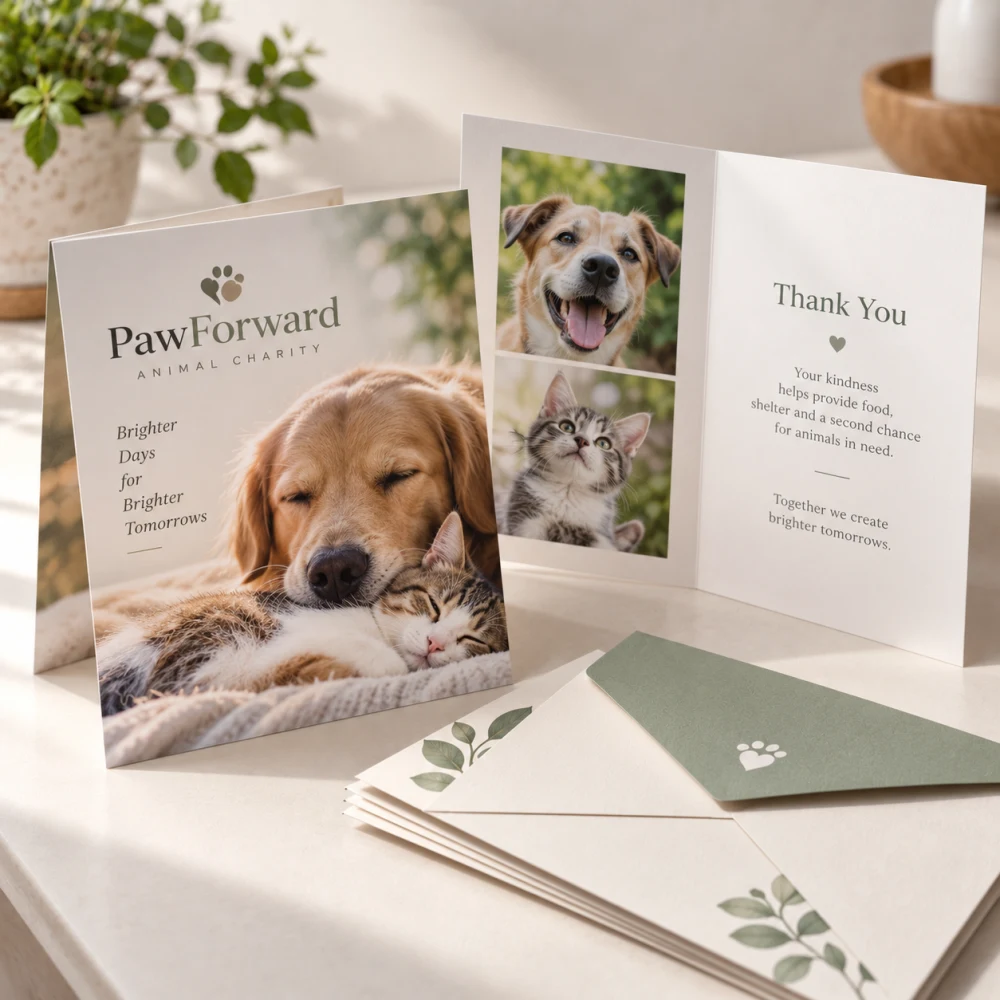 Folded Greeting Cards
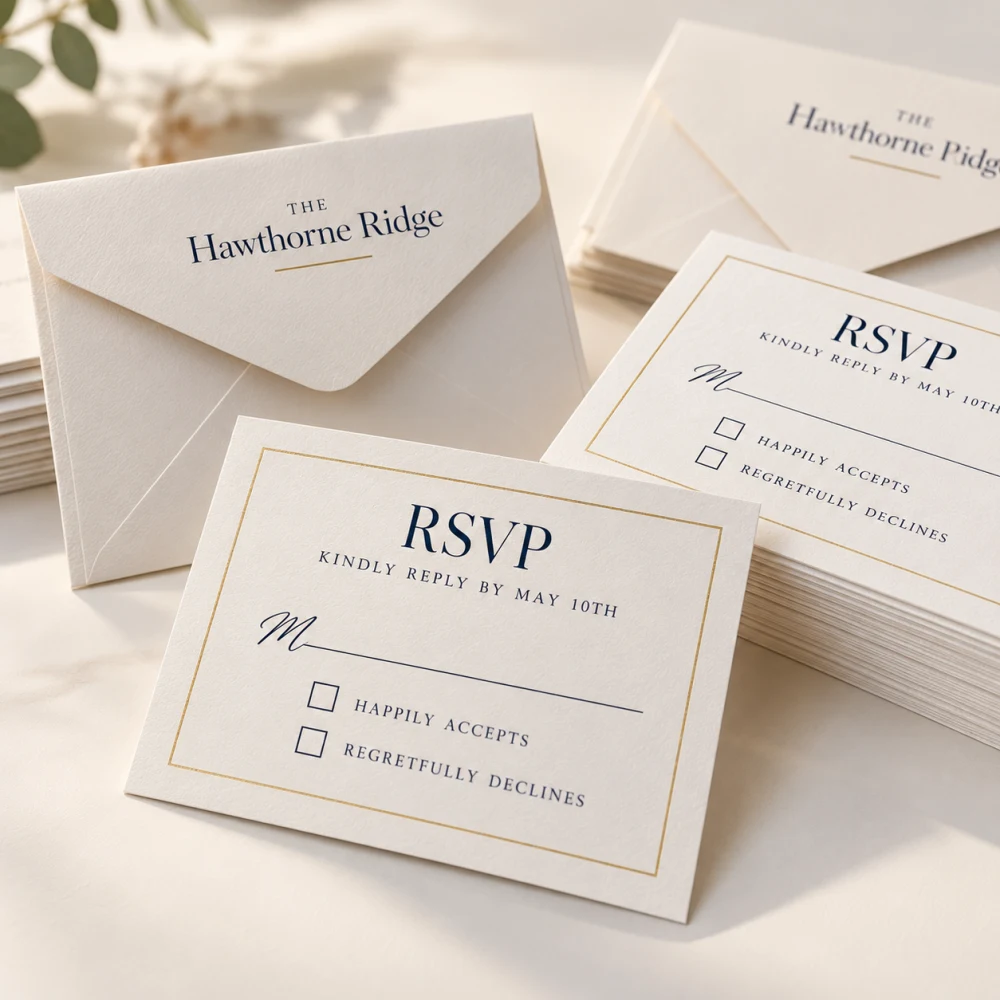 RSVP Cards
Brochures & Booklets 2
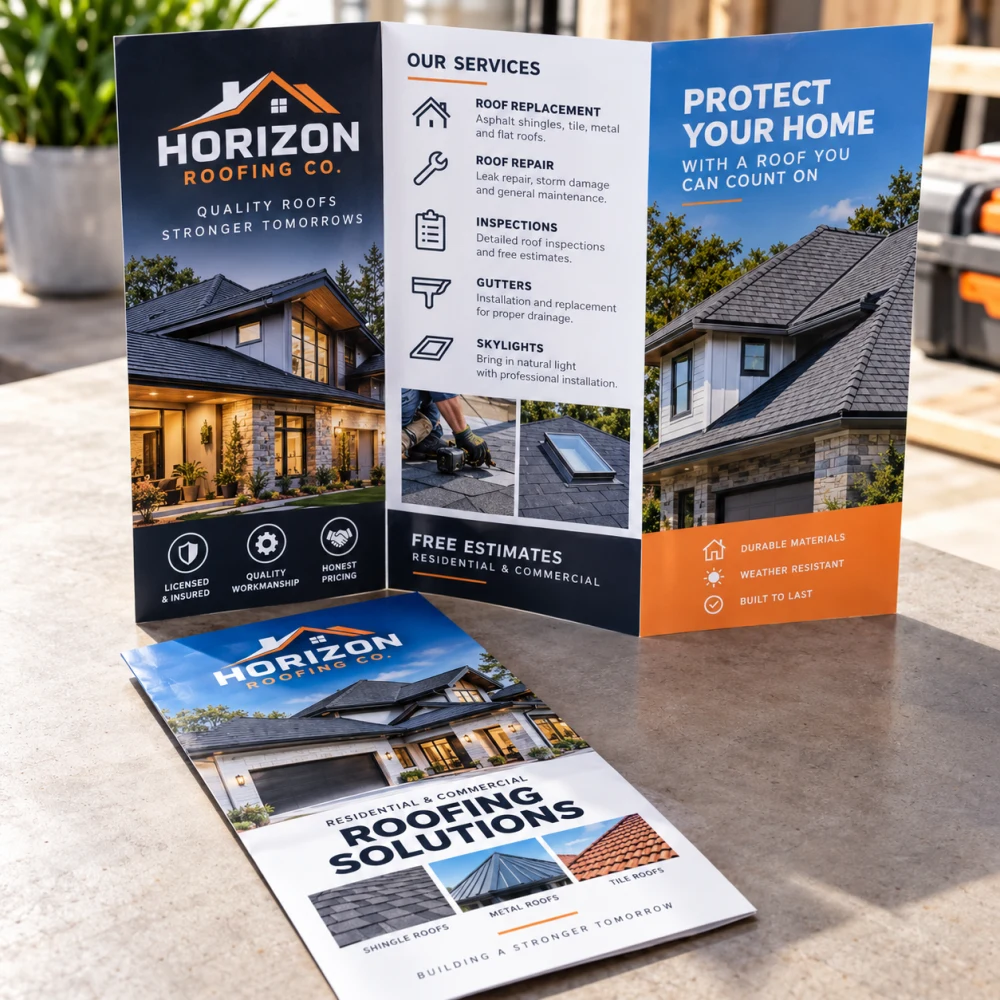 Tri-Fold
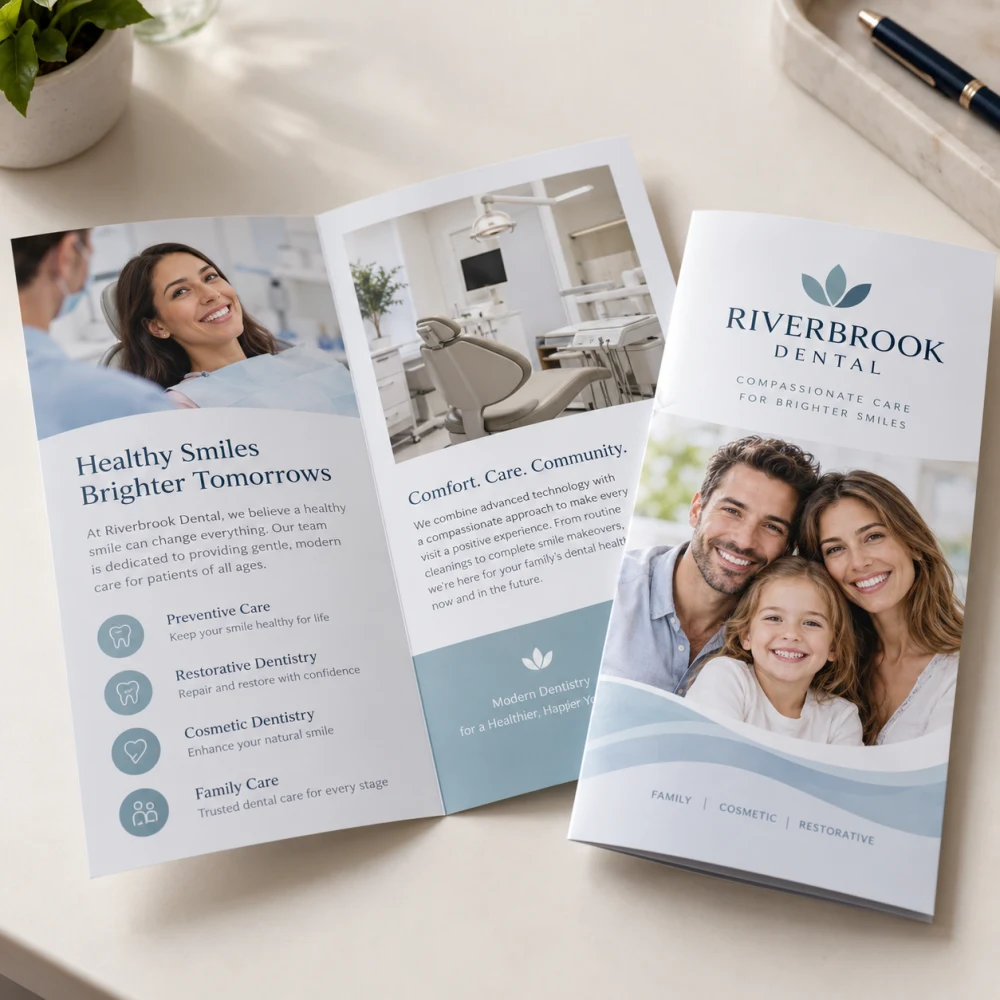 Custom Brochures
Labels & Stickers 10
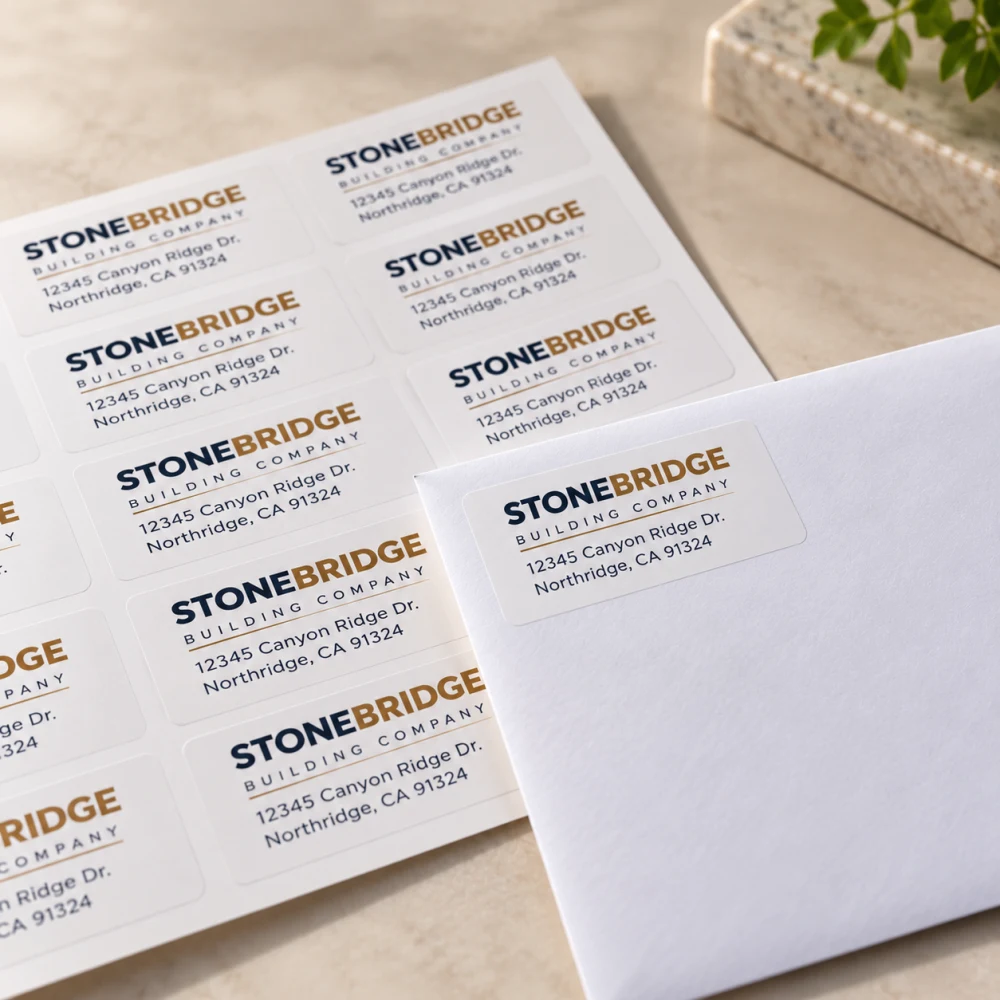 Return Address Labels
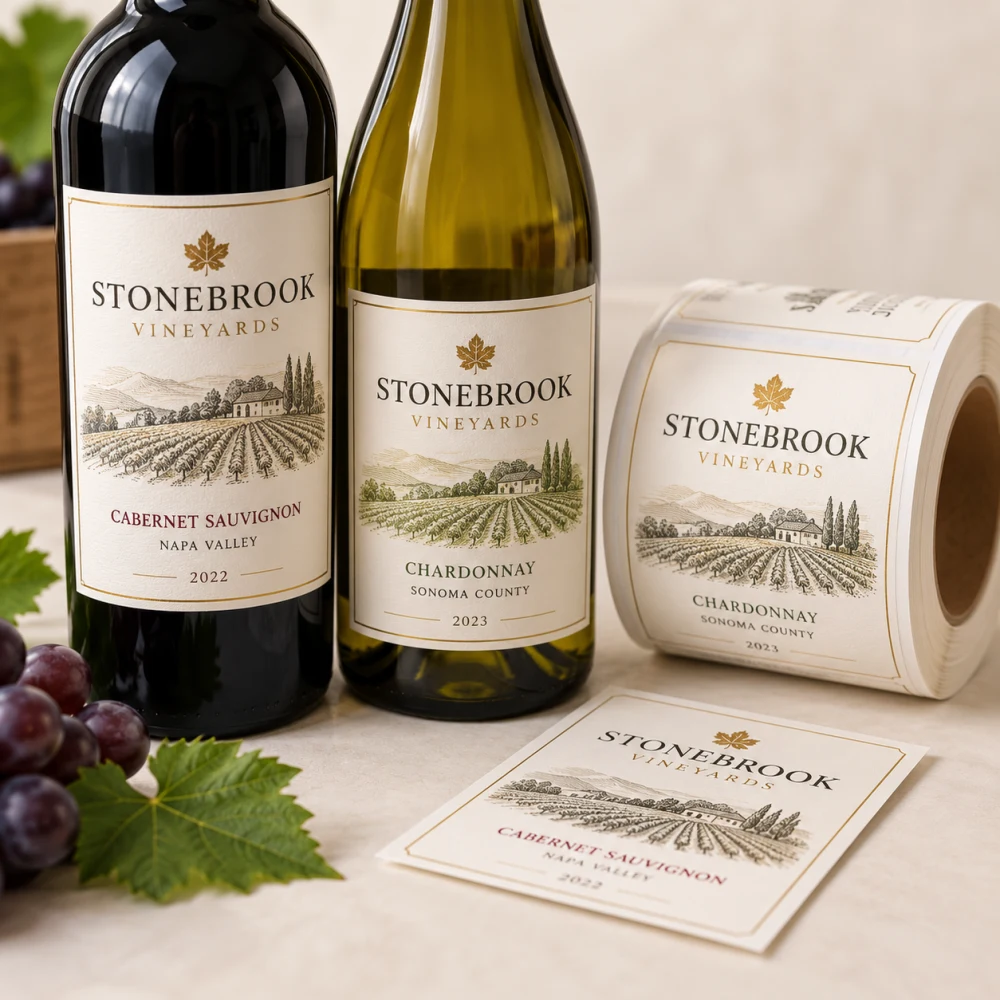 Wine Labels
 Jar Labels
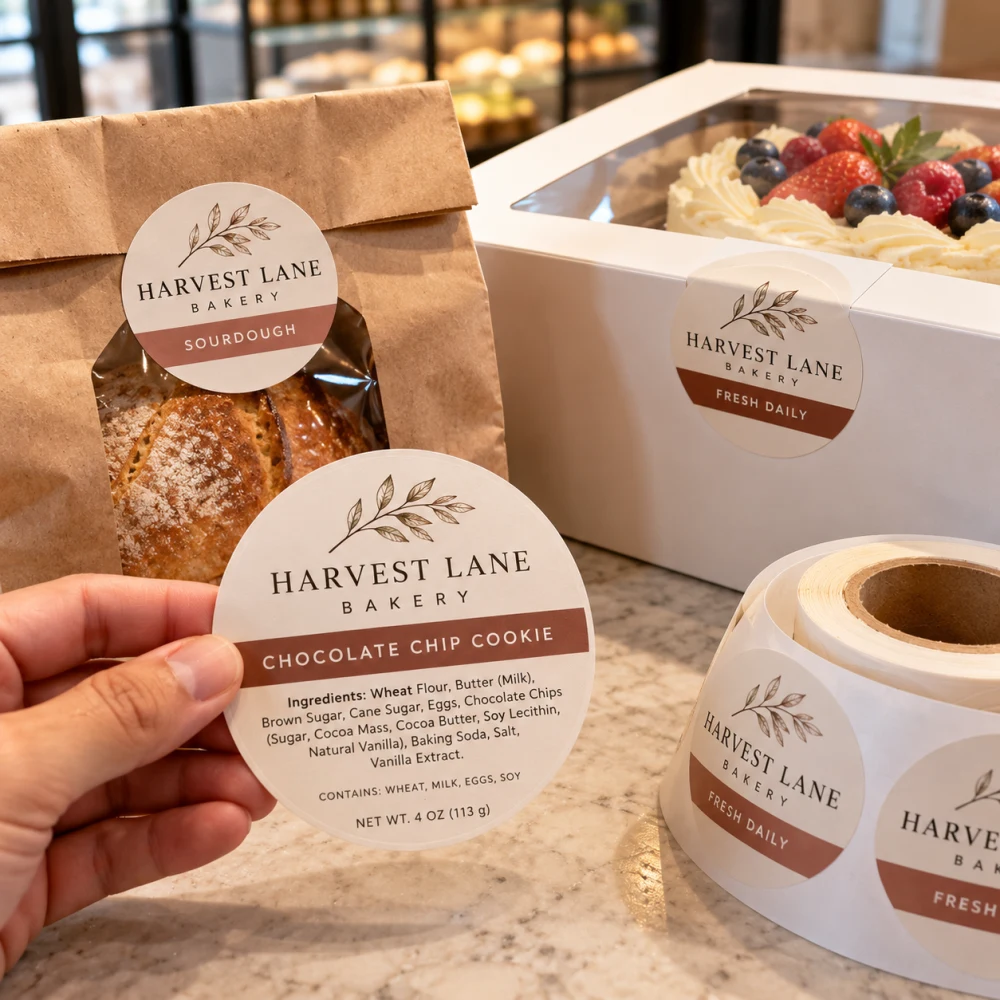 Food Labels
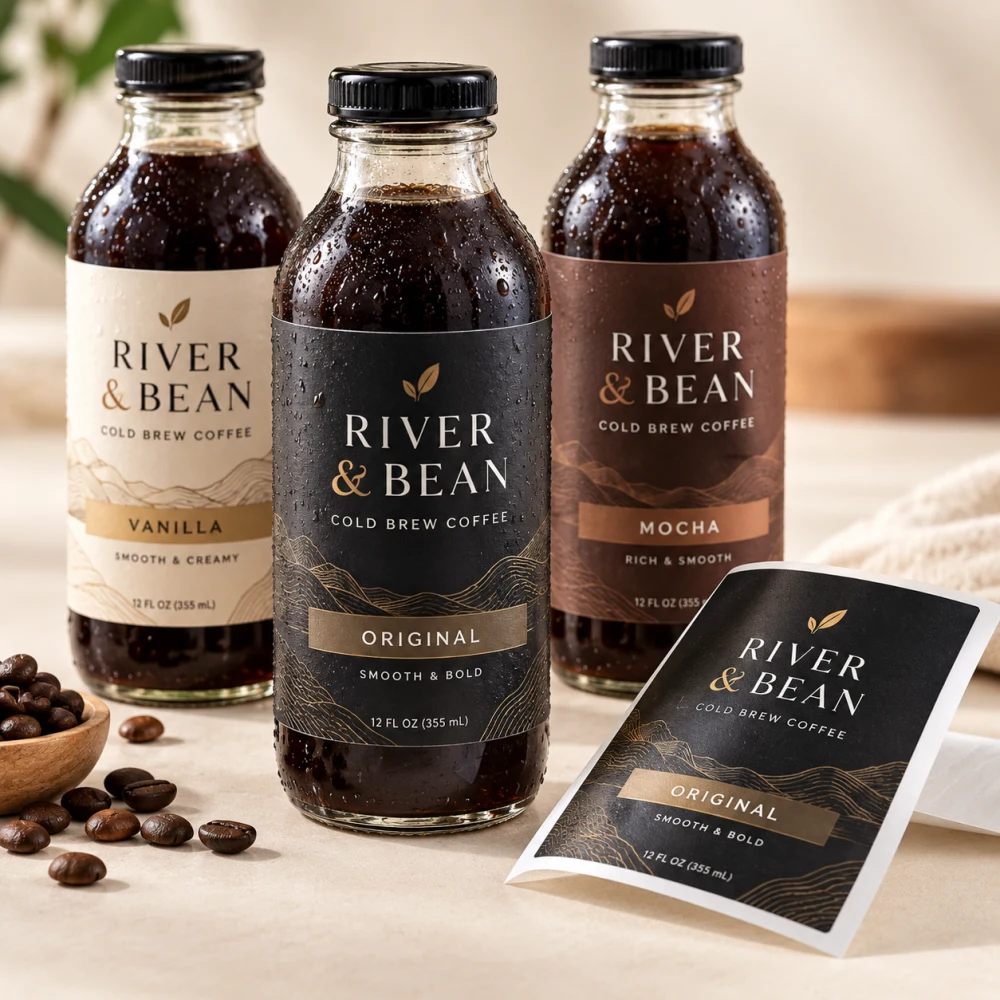 Bottle Labels
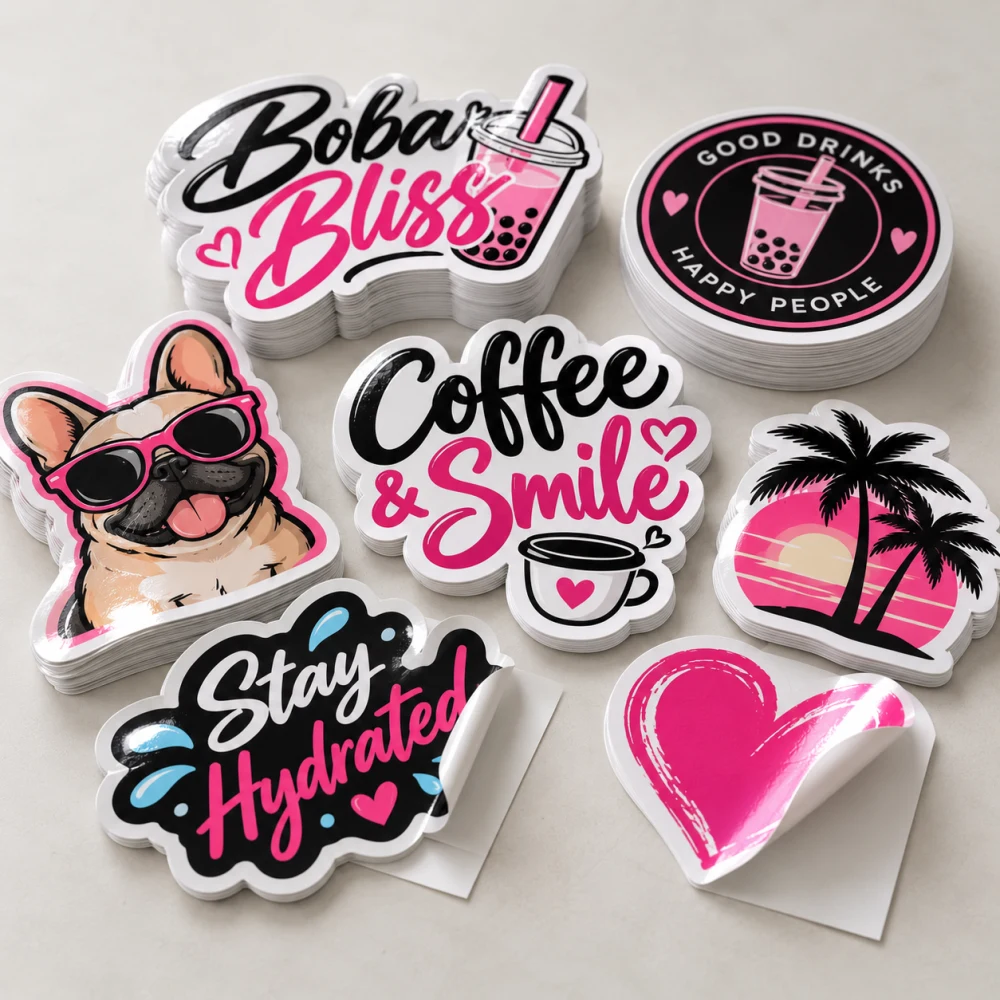 Vinyl Stickers
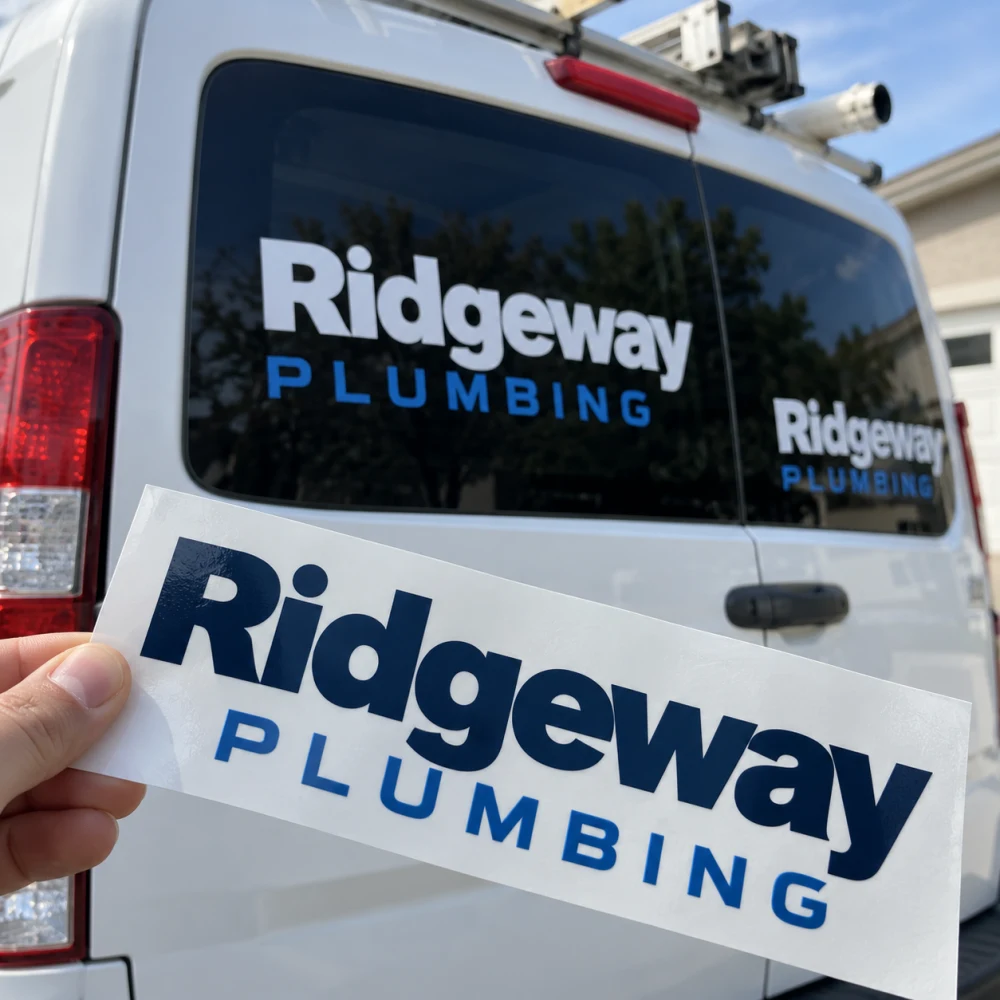 Vinyl Decal Stickers
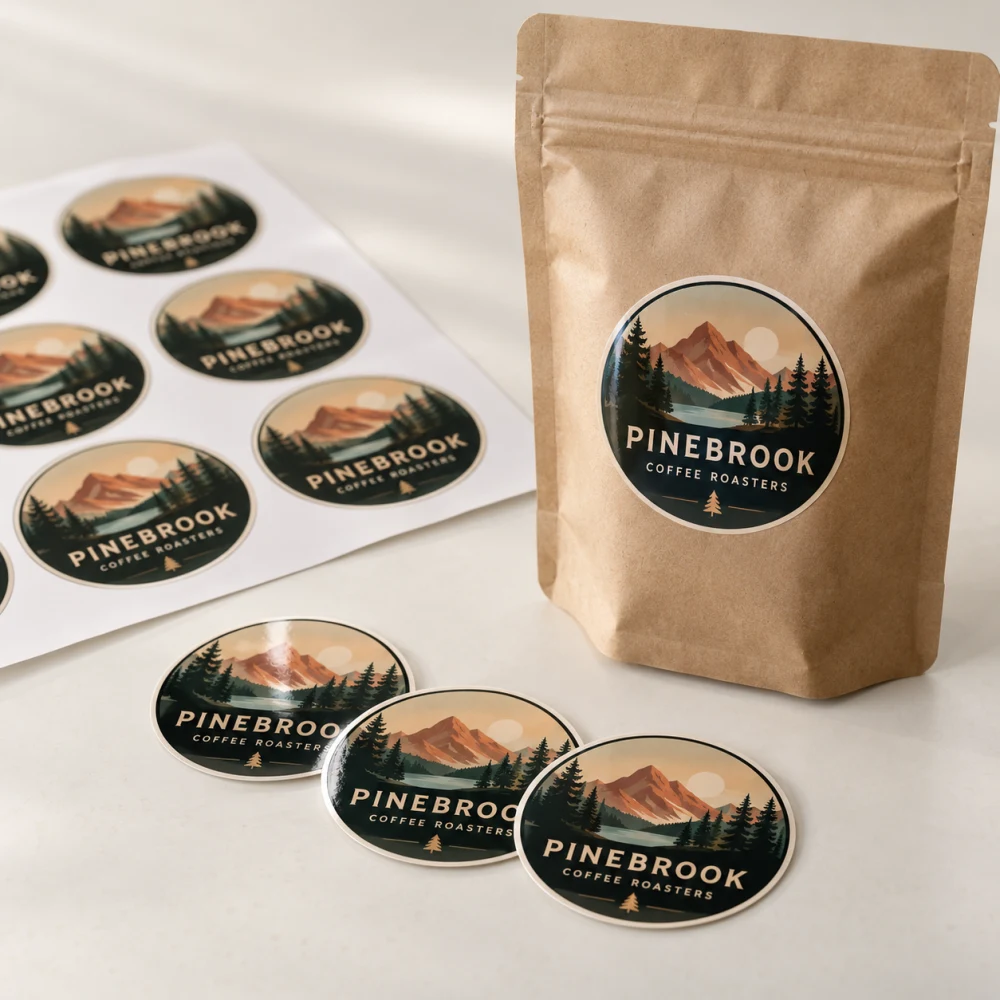 Round Stickers
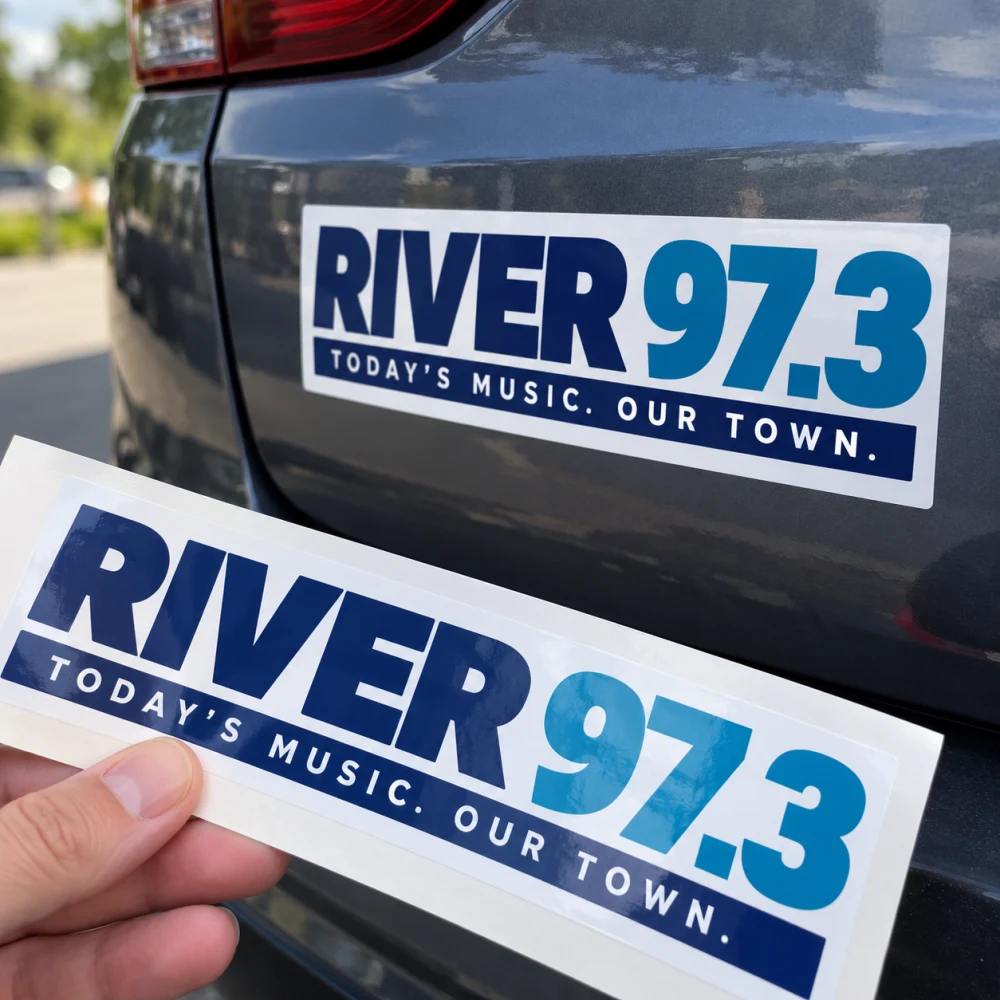 Bumper Stickers
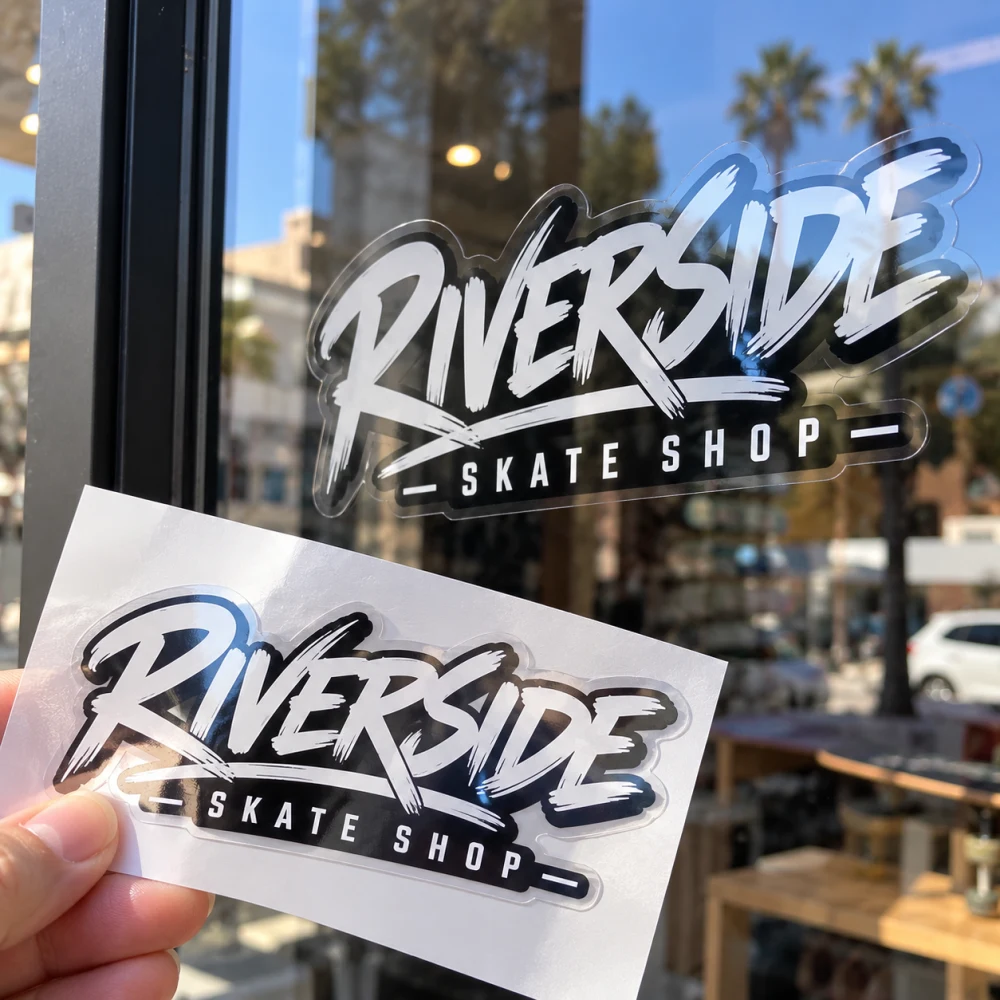 Clear Vinyl
Banners & Signs 24
 Banner
 Table Top Banner Stand
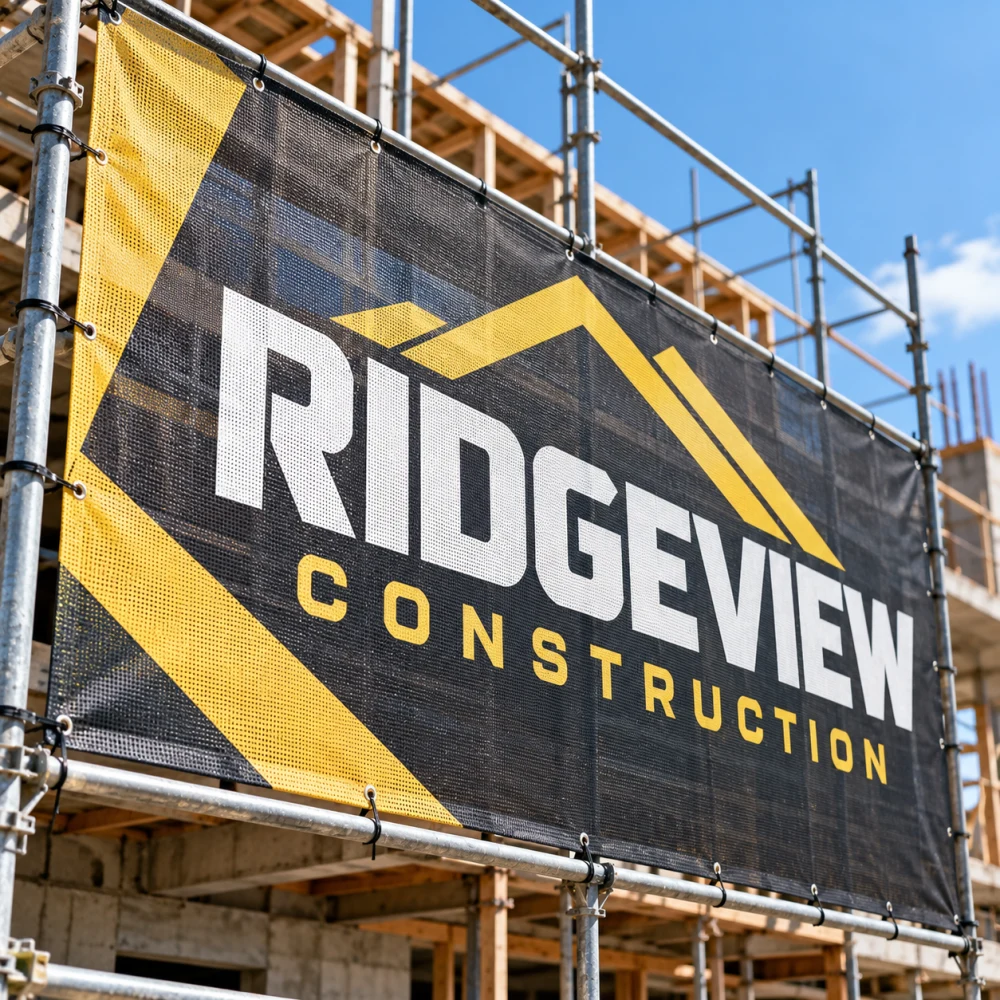 Mesh Banner
 Fabric Banner
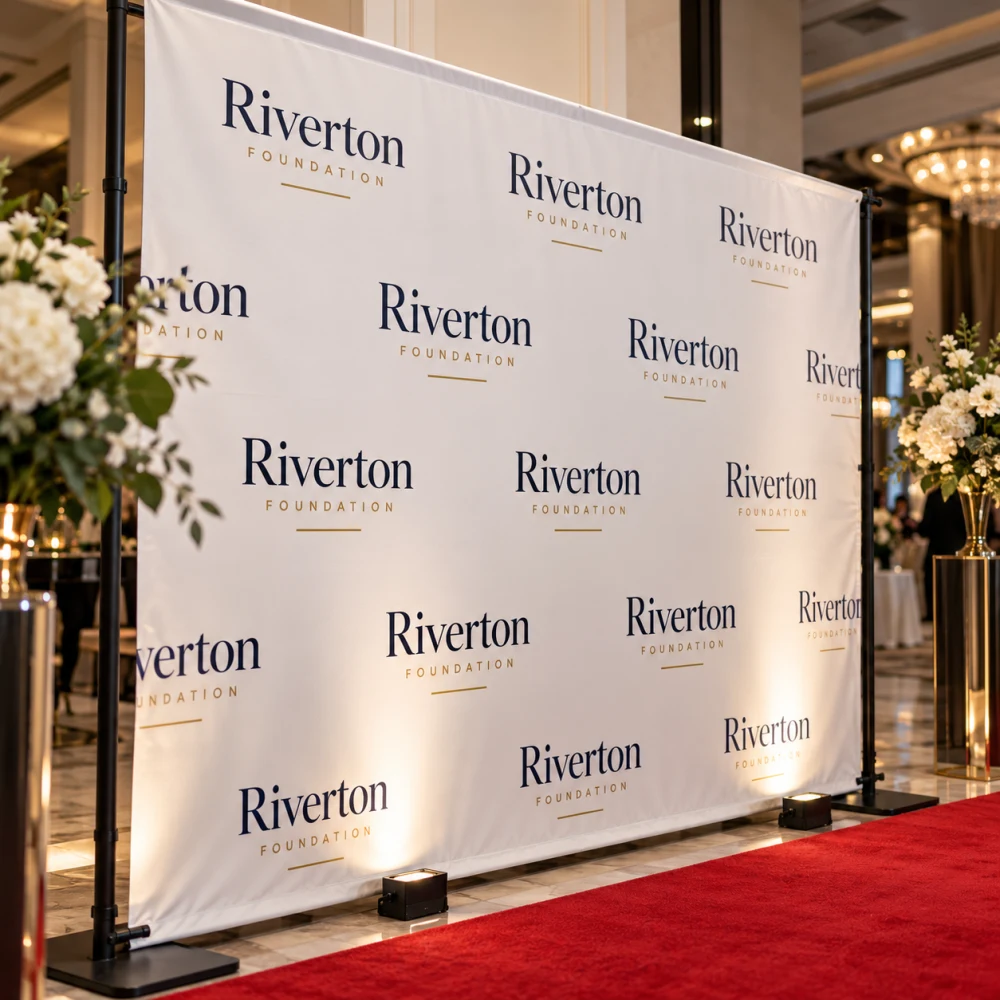 Backdrop
 Retractable(Rollup) Banner
 Banner X Stand
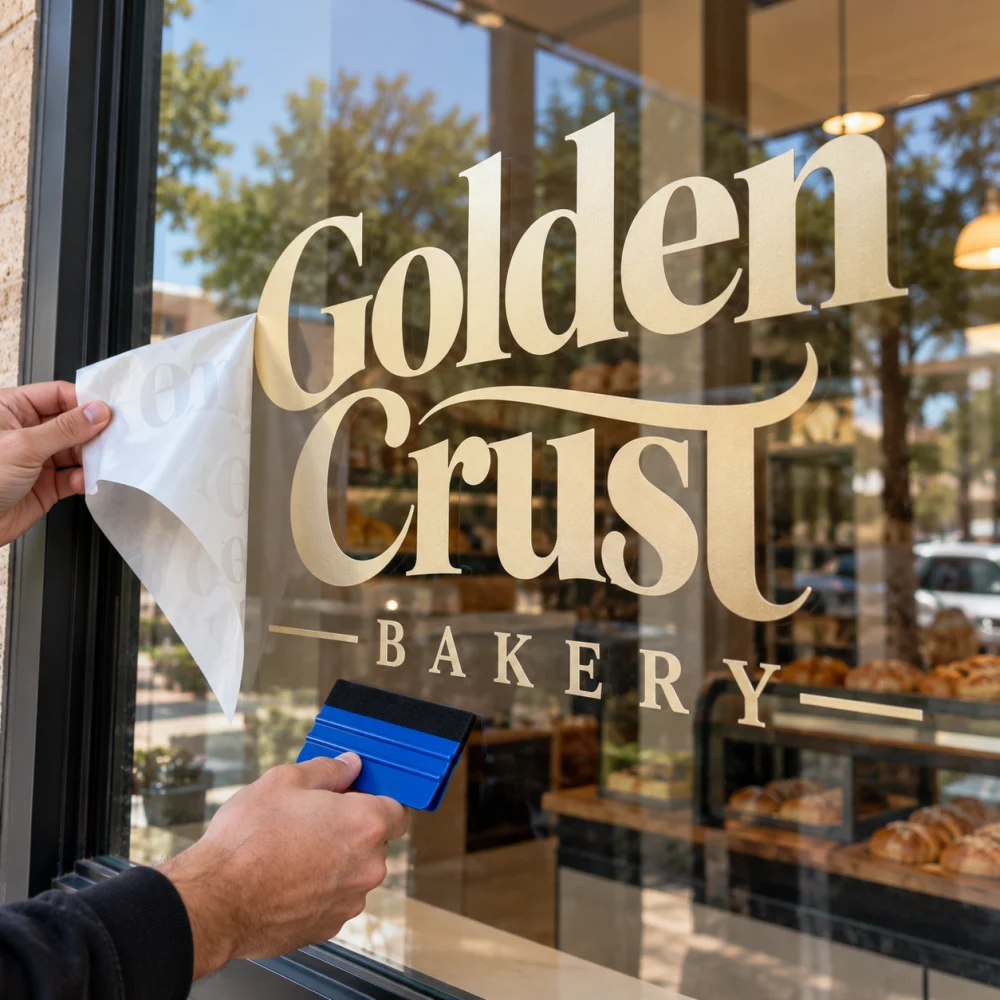 Adhesive Vinyl
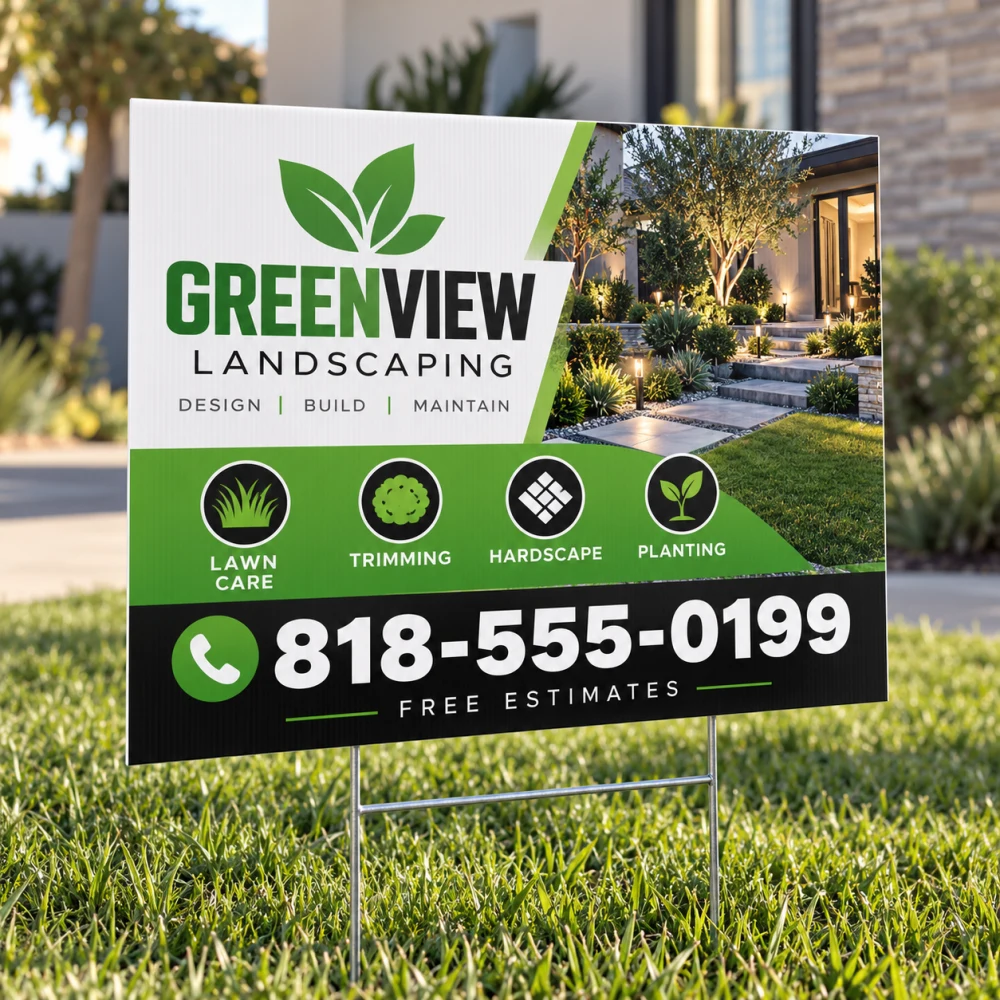 Yard Sign
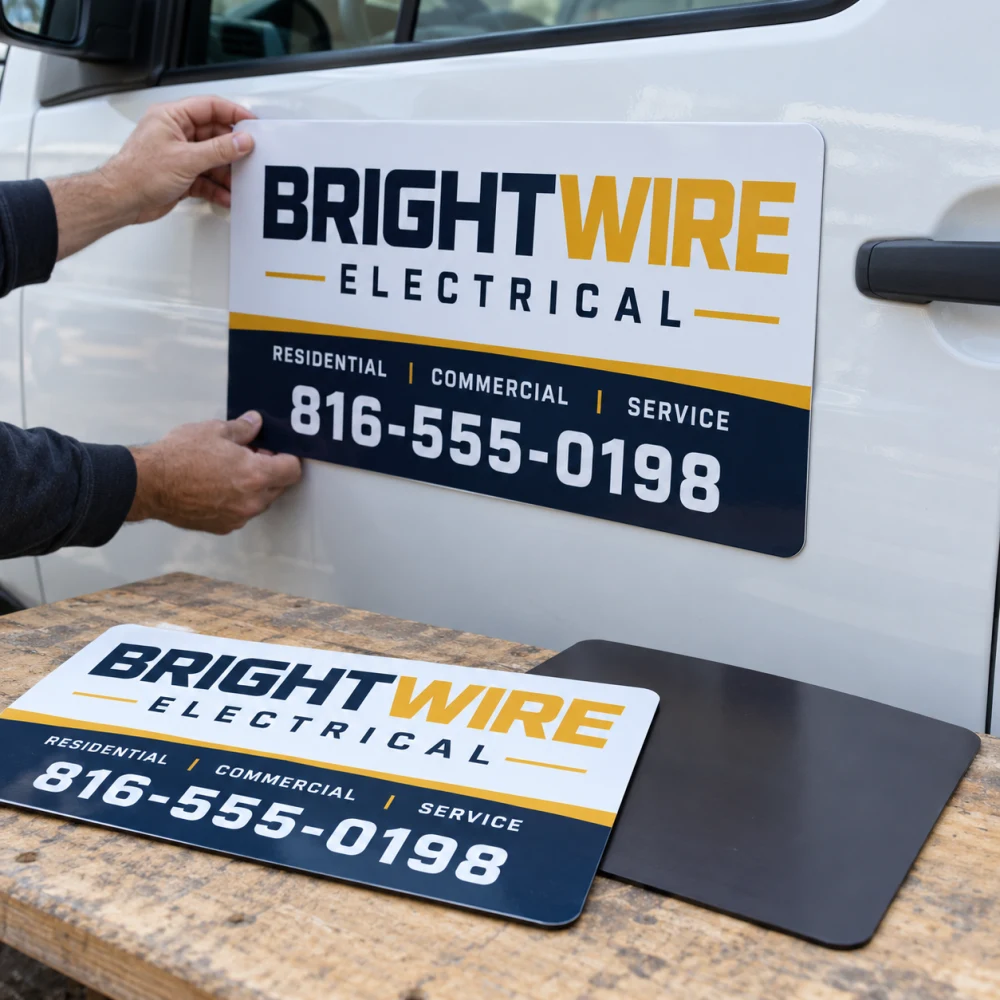 Car Magnets Sets of 2
 Custom Pole Flag
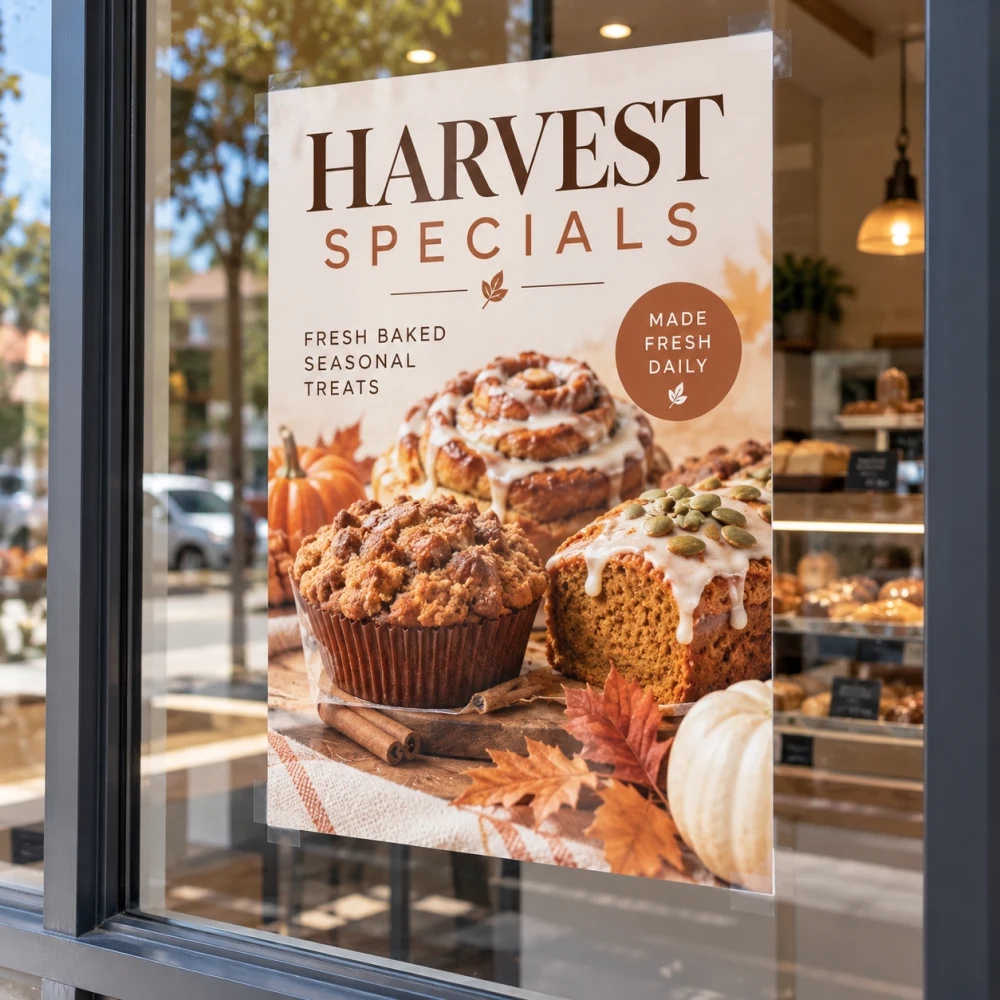 Poster
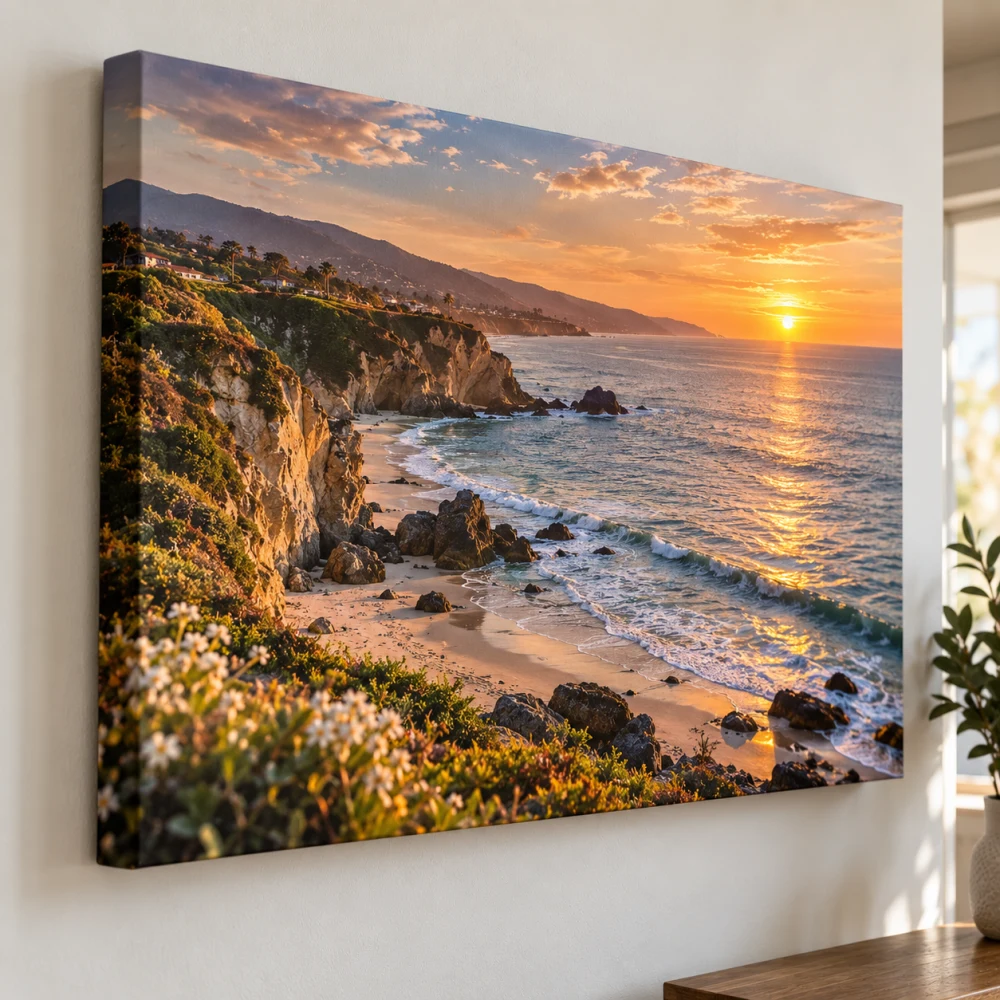 Stretched Canvas
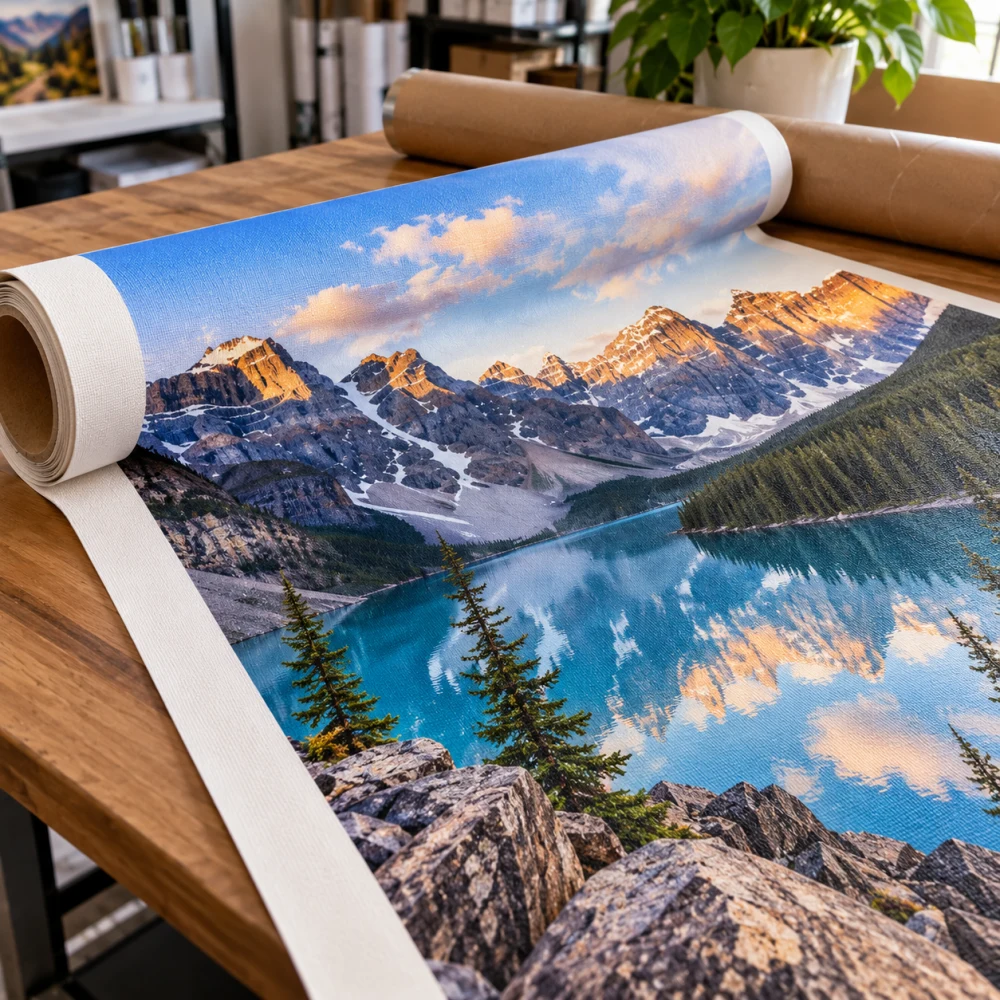 Rolled Canvas
 Wall Graphics
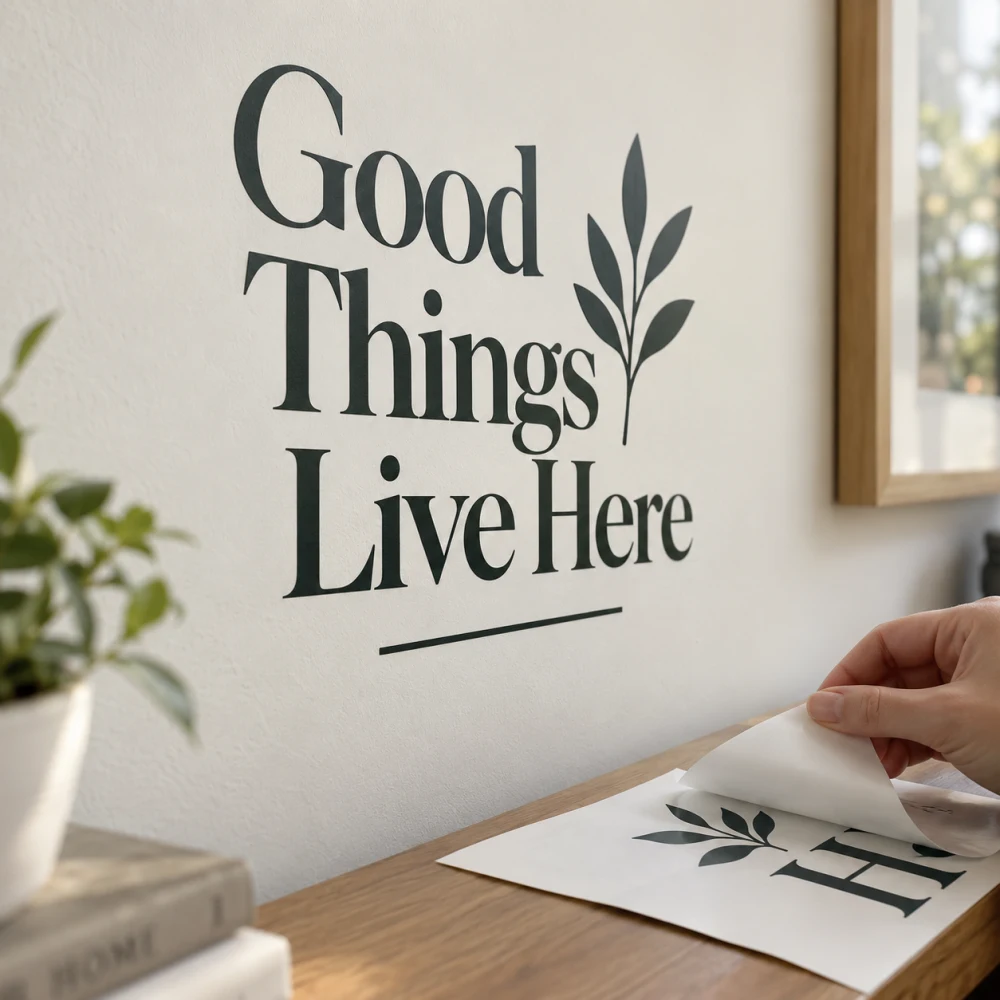 Wall Decals
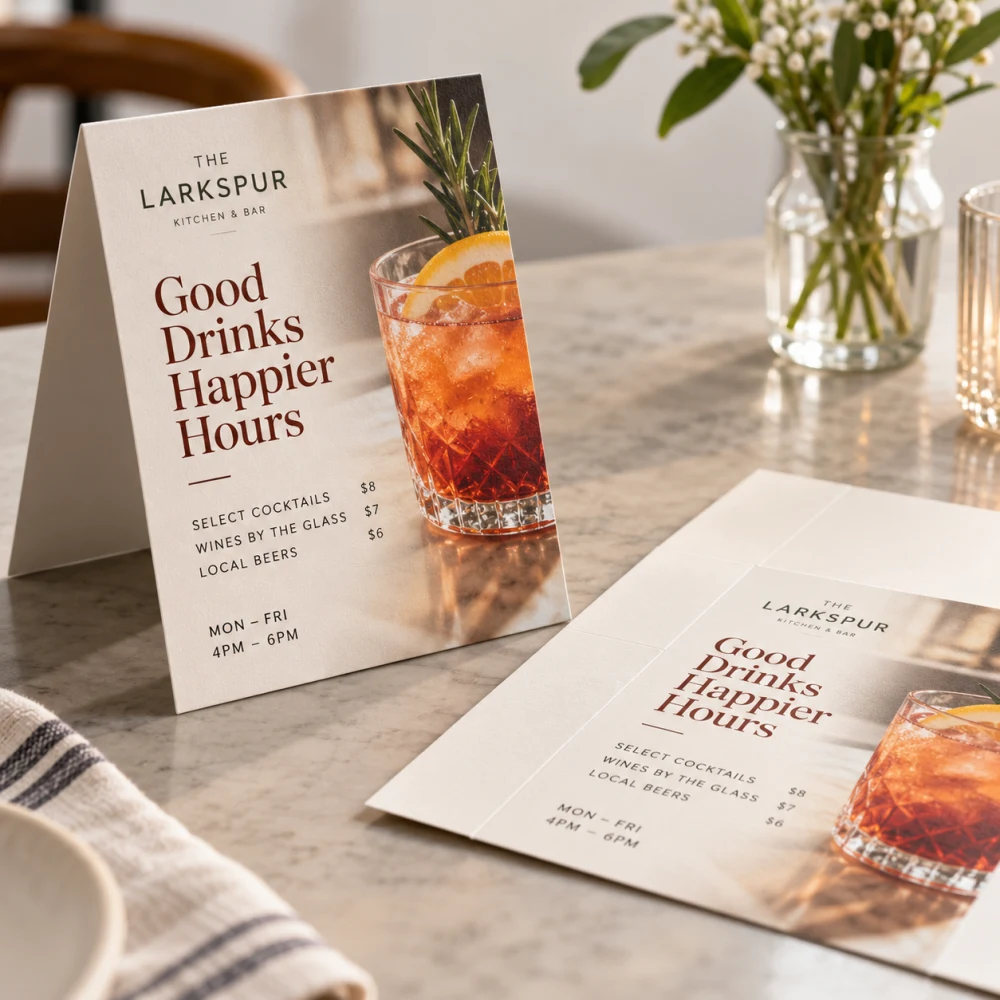 Table Tents
 Adhesive Clear Vinyl
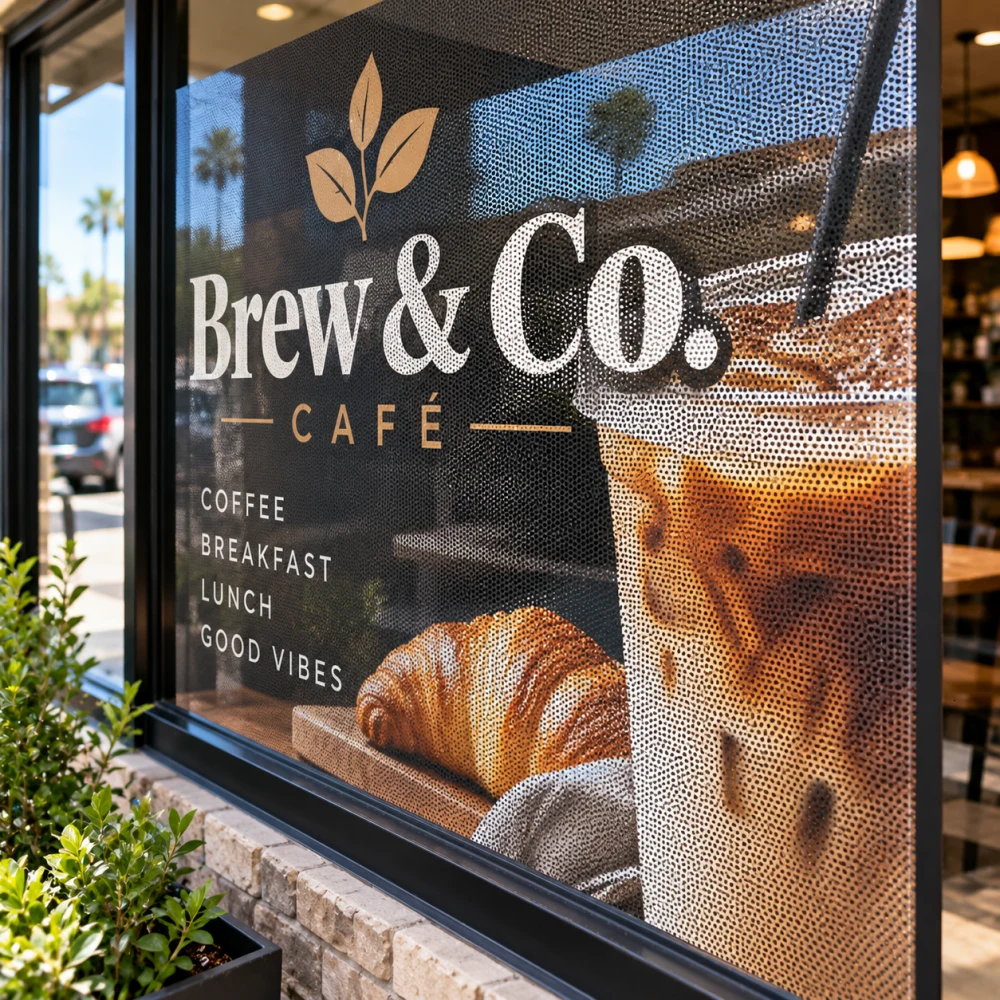 Adhesive Window Perf
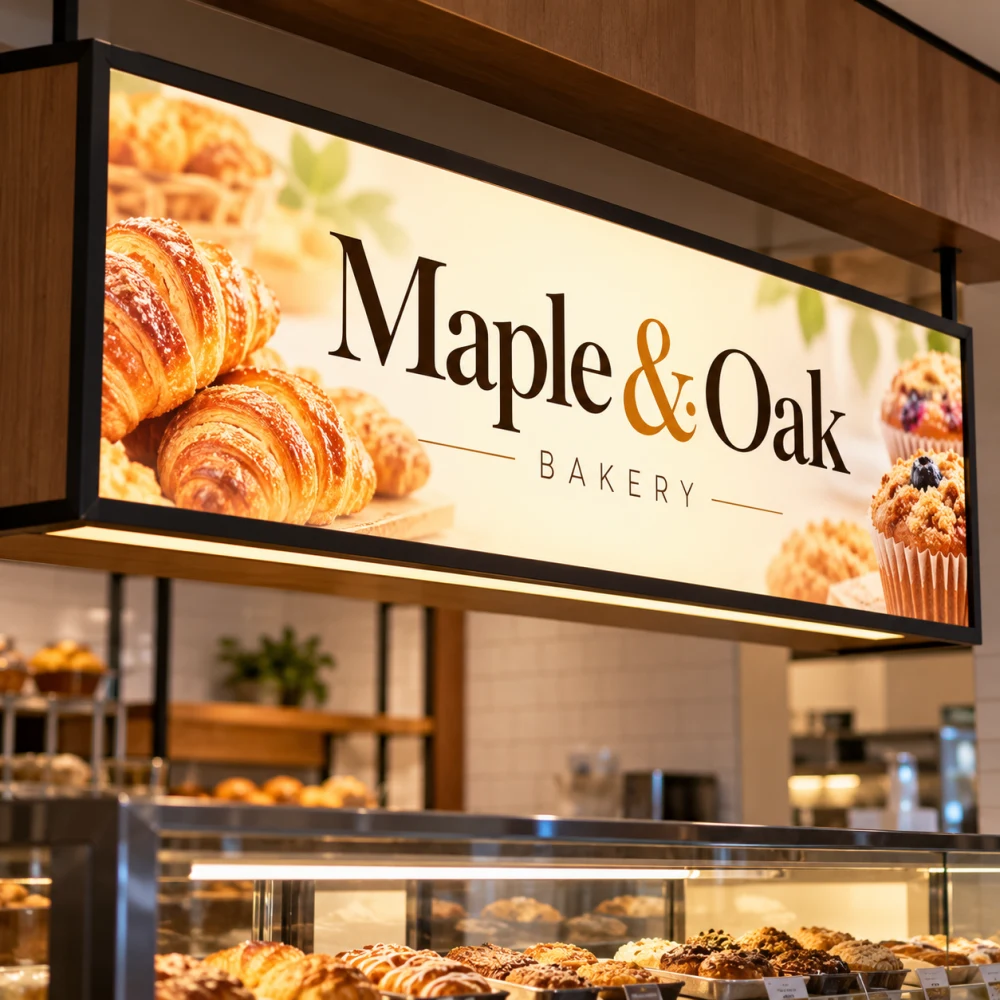 Translucent Vinyl
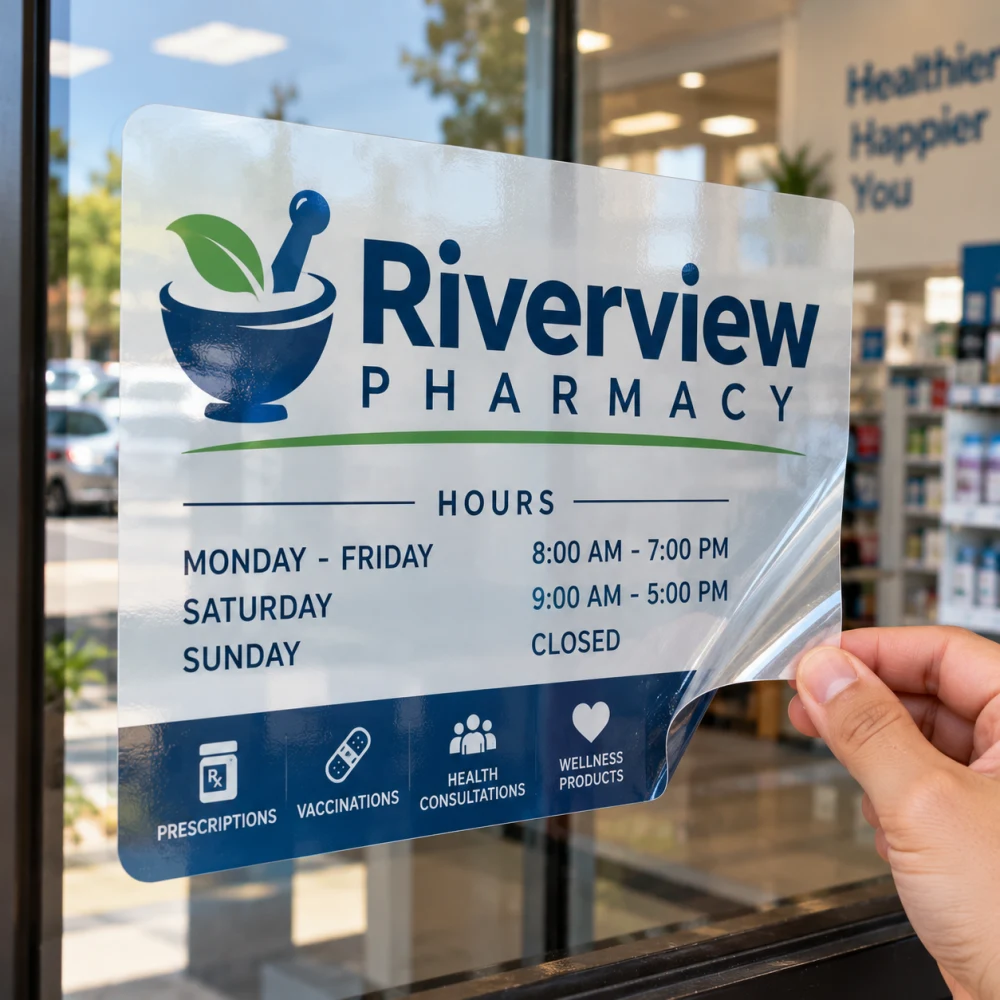 Window Cling
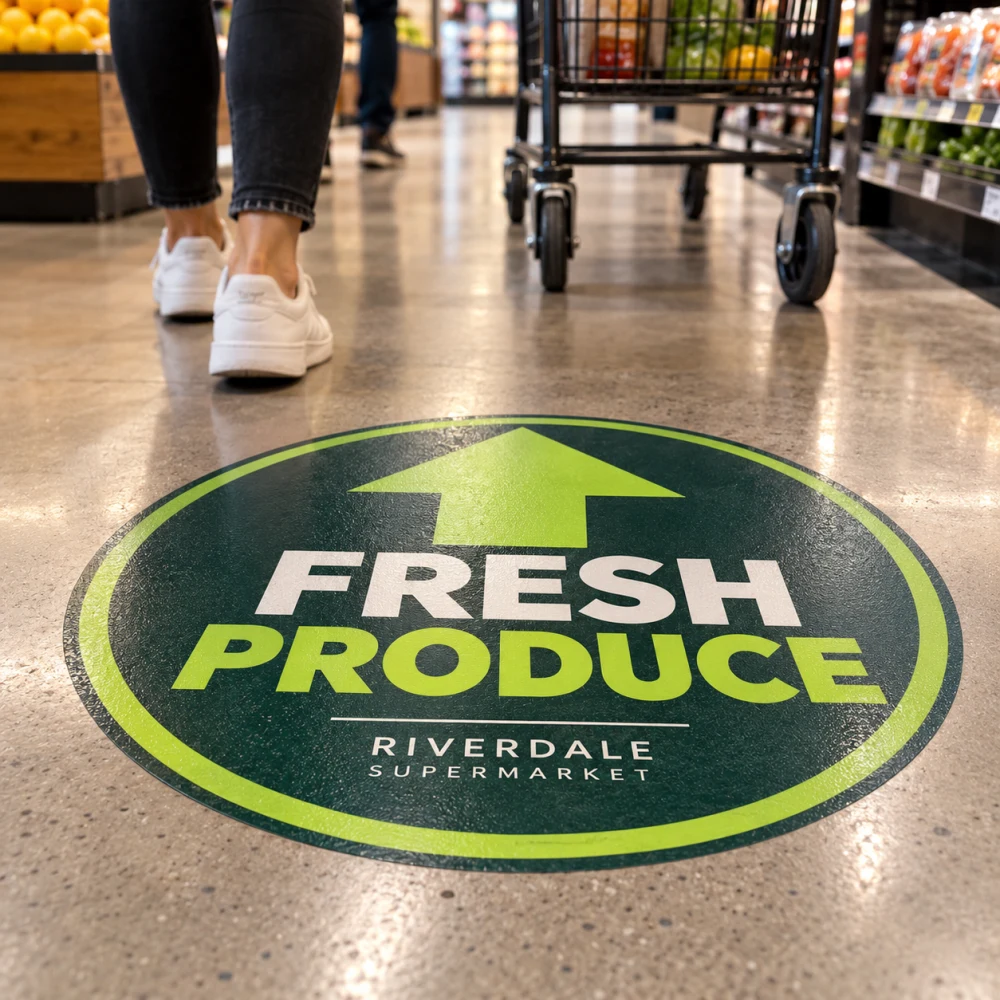 Floor Graphics
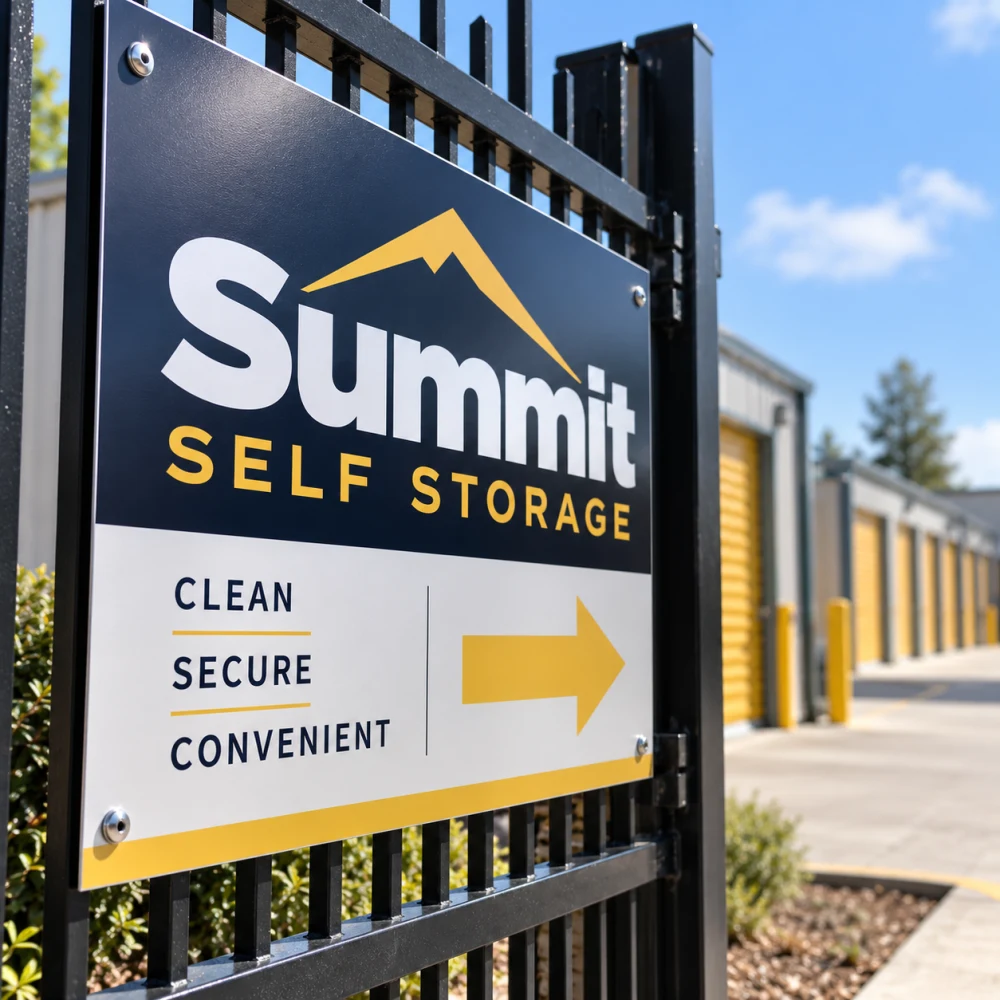 Aluminum Signs
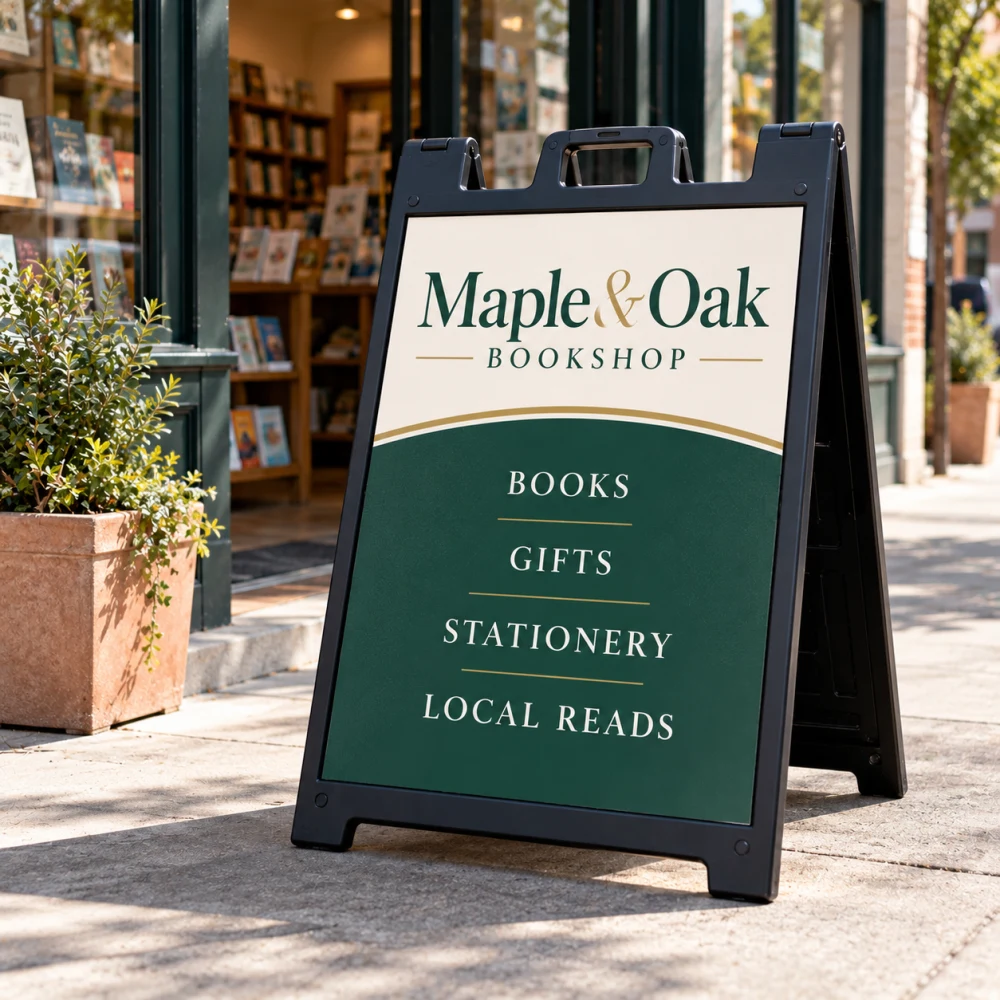 Deluxe A-Frame Sign
Mailing Services 1
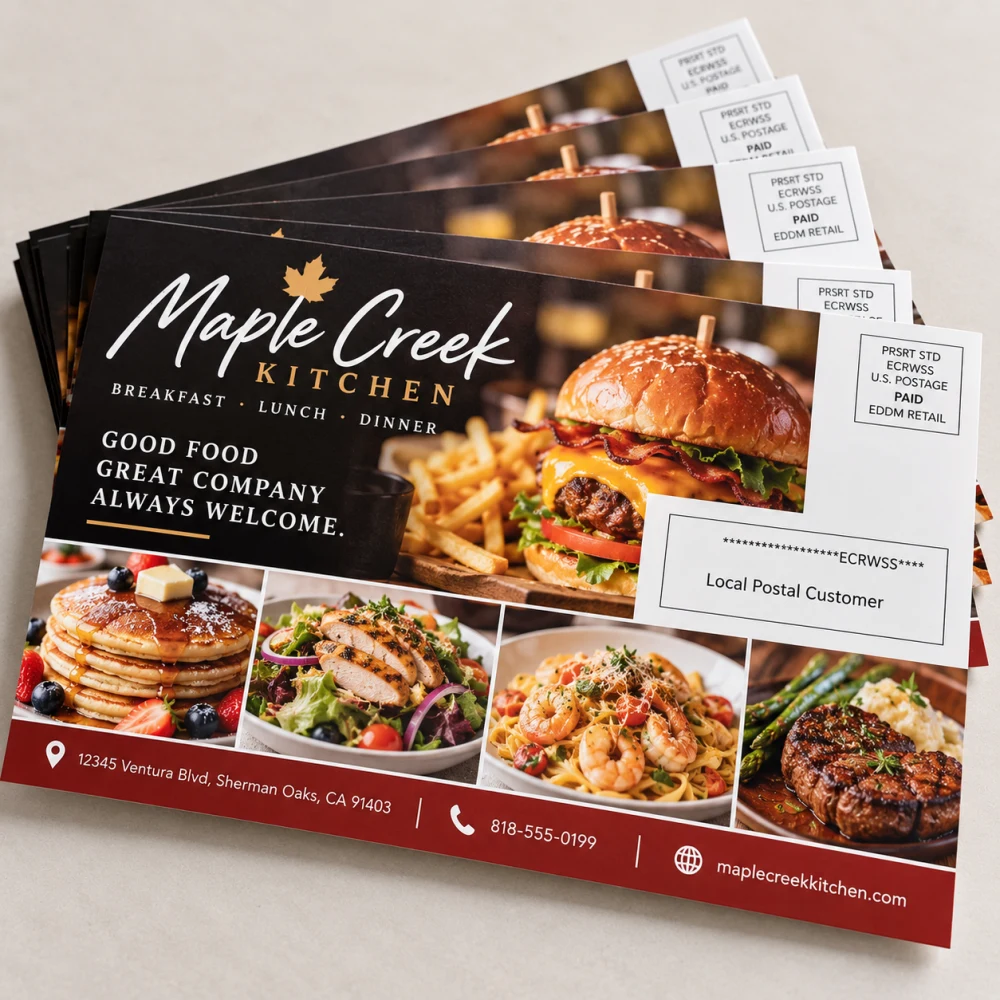 EDDM Postcards
Nothing matches that.
Packaging, flags and other shaped items are cut to a die, so the template is the factory's own dieline — start the order and we send you the right one before printing.